Guide
Can you send a PDF on Instagram? How a file reaches a DM
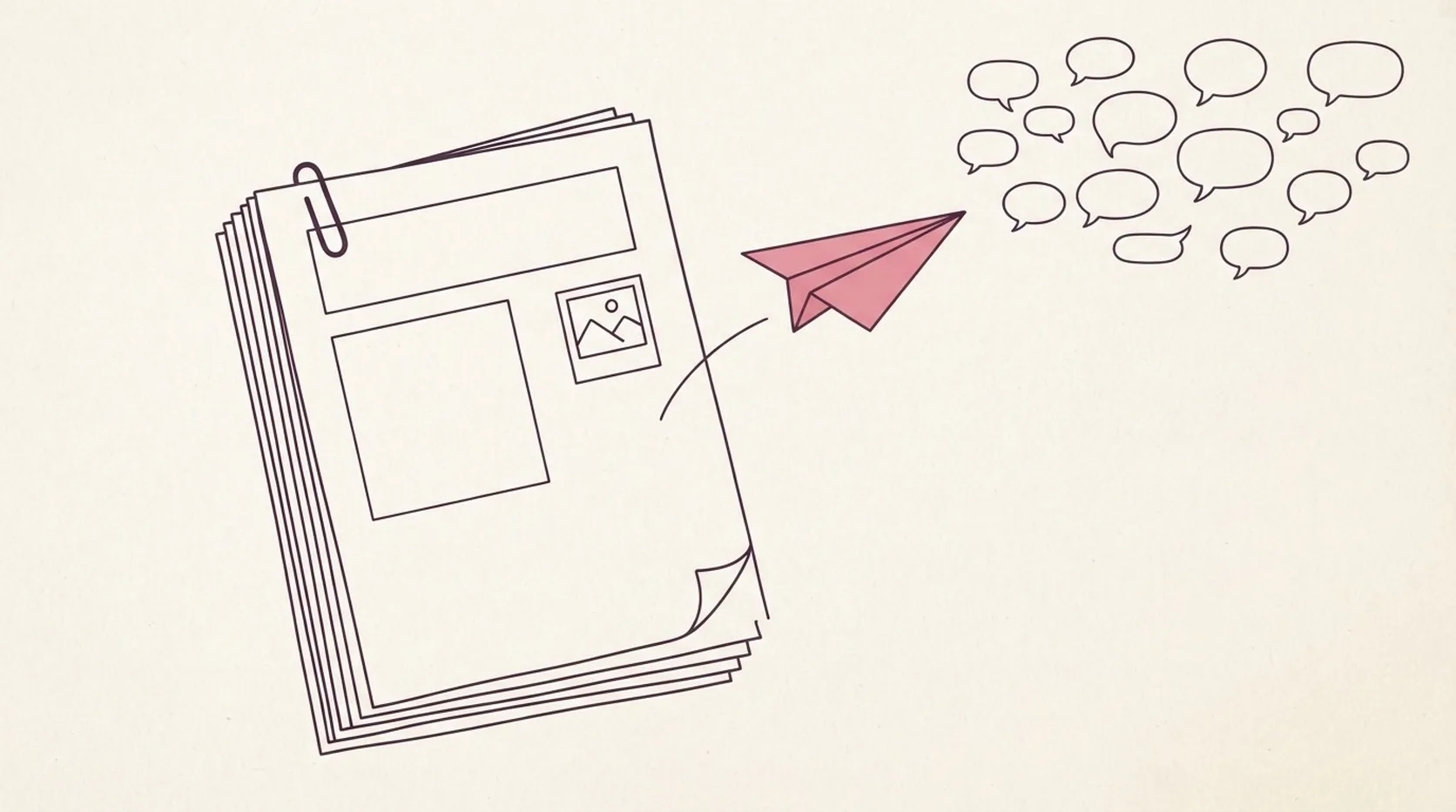
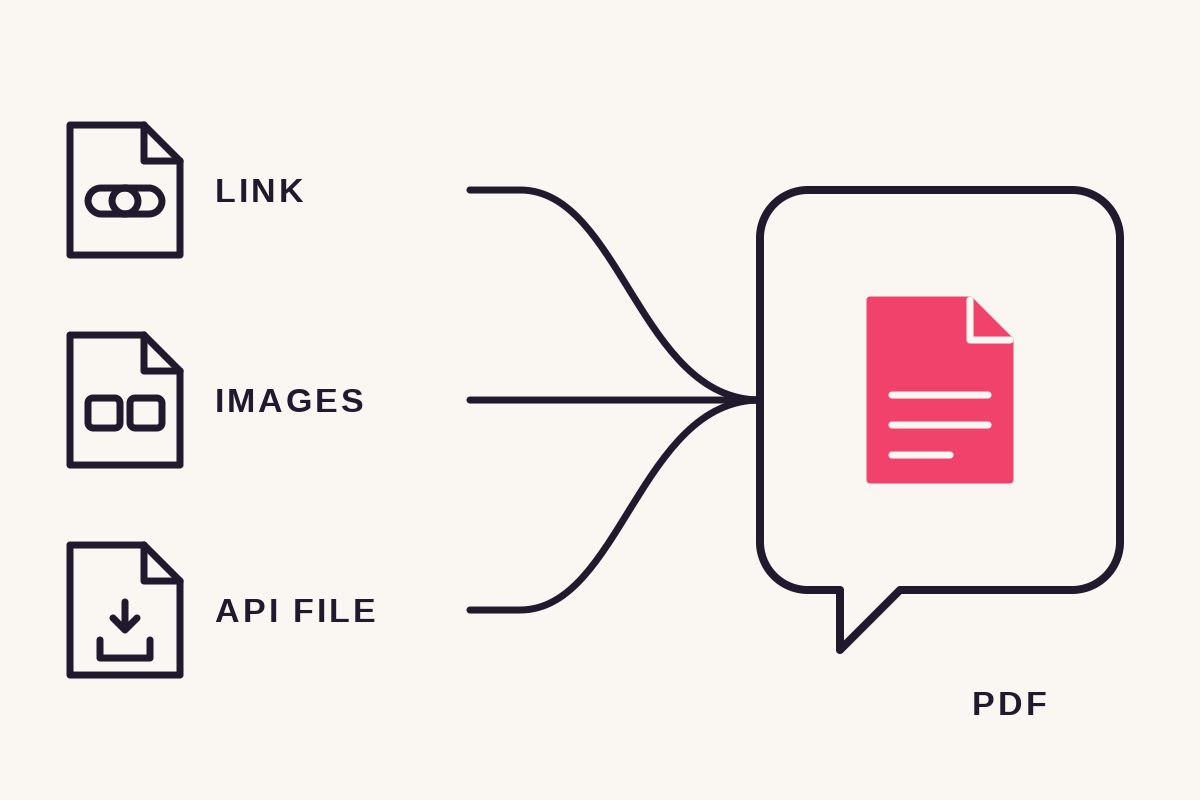
Instagram chats share photos, videos and voice messages. A PDF is none of those, so the file has to travel another way: as a link, as images, or through a business tool that uses Meta's messaging API. This guide covers all three, and how to send the PDF automatically when someone asks for it.
Published by ReplyMagnet · Last updated
Can you send a PDF on Instagram?
Not as a file from the Instagram app: Instagram's help pages cover sharing photos, videos and voice messages in a chat, not documents. A PDF reaches someone as a link in a DM, as images, or through a business tool on Meta's messaging API, which accepts PDF files up to 25 MB.
Instagram's own help centre has a page for sharing a photo or video in a chat and one for voice messages. There is no page for attaching a document.
Should you use ReplyMagnet for this? Yes, when the PDF is something people ask for under your posts: a checklist, a price list, a template. ReplyMagnet reads the comment through Meta's official API, replies publicly, and sends a DM with a tracked link that opens the PDF. The free plan covers 1,000 of those engagements a month, with PDF hosting up to 25 MB. Start free. No, if you want to send one PDF to one friend: paste a link.
Four ways a PDF reaches someone on Instagram
Route
Link in a DM
- Who can use it
- Anyone
- What the person receives
- A tappable URL that opens the PDF in the browser
Route
Pages as images
- Who can use it
- Anyone
- What the person receives
- One photo per page, in the chat or as a carousel post
Route
File inside the DM
- Who can use it
- Business tools on Meta's messaging API
- What the person receives
- A PDF attachment up to 25 MB, inside a messaging window
Route
Automated link on request
- Who can use it
- Business or Creator accounts using a reviewed tool
- What the person receives
- A DM with a link, sent after a comment or message that asked for it
How to send a PDF on Instagram by hand: 3 ways
To send a PDF on Instagram by hand, upload the file somewhere with a shareable link and paste the link into the DM. For one or two pages, export each page as an image and send the images. For a public version, post the pages as a carousel.
- Paste a link. Upload the PDF to any file host or your own site, copy the share link, and paste it into the chat. Set the file to "anyone with the link" first, or the person hits a sign-in wall. Our resource link sign-in guide covers that failure.
- Send the pages as images. Export each page as a JPG or PNG, then share them from your camera roll with the normal photo picker. Fine for a one-page price sheet, painful past three pages.
- Post a carousel. Export up to 10 pages as square images and publish them as one post. Everyone sees the content and nobody downloads a file.
Each of these is a one-off. When 50 people ask for the same PDF after one Reel, pasting the link 50 times is where the automated route starts to pay.
Can a business send a PDF file inside an Instagram DM?
Yes. Meta's Instagram messaging API lets an approved business tool attach a PDF up to 25 MB to a DM, per developers.facebook.com, checked 31 October 2026. Images go up to 8 MB, audio and video up to 25 MB. The app itself still offers no attach button.
Meta documents the attachment types below for the Instagram messaging API. A text message can carry a link, has to be a valid URL, and stays under 1,000 characters.
ReplyMagnet does not attach the PDF. The DM carries a tracked download link that opens the PDF in the browser, streamed from our own domain. That choice is deliberate. You see who opened the file, you can ask for an email before the download, and you can replace the PDF without resending anything. A 20 MB attachment in a chat does none of that.
Attachments Meta's Instagram messaging API accepts, developers.facebook.com, checked 31 October 2026
Type
File
- Formats
- Maximum size
- 25 MB
Type
Image
- Formats
- png, jpeg
- Maximum size
- 8 MB
Type
Video
- Formats
- mp4, ogg, avi, mov, webm
- Maximum size
- 25 MB
Type
Audio
- Formats
- aac, m4a, wav, mp4
- Maximum size
- 25 MB
What you need before sending a PDF on request
Sending a PDF on request needs a Business or Creator account, a PDF under 25 MB that reads well on a phone, and a post that asks for a keyword. The tool must have passed Meta App Review for comments and messages.
Have these four things ready:
- A Business or Creator account. Meta's API does not connect to personal profiles.
- The PDF, under 25 MB. Text-based pages open fast on mobile data. A scanned, image-heavy file near the limit is the one people give up on. Our lead magnet design hub covers the format choice.
- A post with a plain ask. "Comment CHECKLIST and I'll DM it" works. A caption that never names the word gets comments the tool cannot match.
- A trigger keyword. Short, one word, easy to spell. GUIDE beats COMPLIMENTARY-GUIDE.
If the resource is a web page rather than a file, a link asset does the same job from $9 a month. The PDF route is free.
How to set up comment-to-PDF delivery on Instagram
Comment-to-PDF delivery takes about 10 minutes to set up. Connect the Instagram account, upload the PDF, create a campaign with the keyword and the post, write the public reply and the DM, then test from a second account.
- Connect the account. Sign in to ReplyMagnet, choose Instagram and approve Meta's login. The tool asks for comment and message permissions only; it never asks for your Instagram password.
- Upload the PDF. Open Assets, upload the file and give it a title people recognise, such as "Packing checklist v2". The title shows in the delivery link.
- Create the campaign. Pick the post, or all posts. Set the keyword, or any-comment mode for a giveaway. Attach the PDF.
- Write the public reply. One line under the comment: "Sent! Check your DMs, or your message requests if we're not connected."
- Write the DM. Name the file and say what to do with it: "Here is the packing checklist. Open the link to view or save the PDF." Add the email step only if you will use the address.
- Test, then launch. Comment the keyword from a second account. Check the reply, the DM, and that the PDF opens on a phone. Then go live.
The comment-to-DM setup guide walks the same steps with a workbook example.
Meta's rules for sending a PDF by DM
Meta allows one private reply per comment on your own post, sent within 7 days of the comment. Follow-up messages need the person to reply first and must go out inside the 24-hour messaging window. A PDF link in that DM follows the same rules as any other message.
The file format changes nothing about the rules. The DM that carries your PDF is a normal message, so Meta's limits for messages apply in full. Our DM automation rules guide goes through each window with examples.
Meta's messaging rules that apply to a PDF sent by DM, from developers.facebook.com, checked 31 October 2026
Rule
One private reply per comment, within 7 days
- What it means for your PDF
- The PDF link goes in that single DM. Make it count.
Rule
24-hour window for most follow-ups
- What it means for your PDF
- A reminder about the PDF needs the person to have replied within the last 24 hours.
Rule
Text under 1,000 characters, links as valid URLs
- What it means for your PDF
- Keep the DM short: what the file is, one line on how to use it, the link.
Rule
File attachments up to 25 MB
- What it means for your PDF
- Applies to tools that attach the PDF directly. ReplyMagnet sends a link, so the file size limit is our hosting cap of 25 MB.
Rule
Professional accounts only
- What it means for your PDF
- Switch to a Business or Creator account before connecting any tool.
Sources: Meta's messaging API reference and private replies pages.
A worked example: a 12-page checklist, 300 requests
A 12-page, 3 MB PDF checklist requested by 300 commenters in a month uses 300 engagements, inside the free plan's 1,000. Each commenter gets a public reply and a DM with the link within seconds, and the PDF opens in the browser without a download.
A travel creator offers a packing checklist as a 12-page PDF, 3 MB, text-based. The Reel says "comment PACK".
- Comments with PACK in a month: 300.
- What each person gets: a public reply under the comment, then a DM with the tracked link. The link opens the PDF in the phone's browser, with a save option.
- Engagements used: 300 of 1,000 on the free plan. Paid plans start at $9 a month for 25,000.
- Opens you can see: every link tap is recorded, so 300 DMs sent and 212 opened are two different numbers you can read.
- If the Reel takes off: past 1,000, comments wait in the overflow queue rather than failing. Pricing is per engagement, not per stored contact.
Doing the same by hand means 300 pasted links, each inside 7 days of its comment. The ones you reach on day 8 are past Meta's window.
What to measure after the PDF is sent
Measure three numbers after sending a PDF by DM: DMs sent, links opened, and emails captured if you ask for one. A sent DM only proves the message left. The open is the number that tells you the PDF reached a person.
Read these in order, each week:
Three numbers, and what each one proves
Number
DMs sent
- What it proves
- Meta accepted the message
- What it does not prove
- That the person saw it; non-followers find it in [message requests](/guides/instagram-message-requests)
Number
Links opened
- What it proves
- A person tapped through and the PDF loaded
- What it does not prove
- That they read past page one
Number
Emails captured
- What it proves
- Someone wanted the PDF enough to type an address
- What it does not prove
- That the address is one they read
Opens divided by DMs sent is the number to watch. If it falls below half, the public reply is not telling people where to look, or the DM is landing in Requests. Our measurement hub shows how to track the link without overstating what a tap means.
Where sending a PDF on Instagram goes wrong
Sending a PDF on Instagram usually fails in four places. The file is over 25 MB, the share link sits behind a sign-in wall, the DM is lost in message requests, or an old post keeps sending a replaced or dead file.
Fixes, in the order they come up:
- The file is too big. Compress images inside the PDF or split the document. Both Meta's attachment limit and our hosting cap sit at 25 MB.
- The link asks for a login. Drive and Dropbox links default to restricted sharing. Use a public link, or host the PDF with the tool so the link opens for anyone.
- The DM went to Requests. People who do not follow you see the DM in message requests. Say so in the public reply.
- The old post keeps sending. A post from March still gets comments in October. Check live campaigns monthly, and replace the file in Assets rather than deleting the campaign.
- Nothing sends at all. Comments arrive but no DM goes out. Our comment-to-DM troubleshooting guide lists the usual causes, from an expired Meta connection to two tools on one post.
Common questions
Can you send a PDF on Instagram DM?
Not as a file from the Instagram app, which shares photos, videos and voice messages. Paste a link to the PDF instead. Business tools on Meta's messaging API can attach a PDF up to 25 MB, or send a tracked link that opens it.
How do I send a PDF on Instagram for free?
Upload the PDF to a file host with public sharing and paste the link into the chat. To send it automatically when people comment, ReplyMagnet's free plan hosts PDFs up to 25 MB and covers 1,000 engagements a month.
Can you post a PDF on Instagram?
No. Instagram posts accept photos and videos. Export the PDF pages as images and publish them as a carousel of up to 10 slides, or put the PDF behind a link that people request by comment or DM.
What is the maximum PDF size for an Instagram DM?
Meta's Instagram messaging API accepts a PDF file attachment up to 25 MB, per developers.facebook.com, checked 31 October 2026. ReplyMagnet hosts PDFs up to 25 MB and sends a link that opens the file.
Does the person need to follow me to receive the PDF?
No. Meta allows one private reply to a comment on your post whether or not the commenter follows you. For non-followers the DM lands in message requests, so the public reply should say where to look.
Keep reading
- Instagram Comment-to-DM Automation: Setup & Test Guide
- Deliver an Instagram lead magnet without losing the reader
- How to design an Instagram lead magnet people use
- Instagram message requests: find, accept, fix (2026)