For digital product sellers
Let buyers try the part that makes your product useful
A screen recording can show a template in action. A small working sample helps someone find out whether it fits their own task.
Published by ReplyMagnet · Last updated
Give the preview one complete job
A digital-product preview should let the reader try a real task without implying that the whole paid product is included. Label the sample and its limitations clearly.
For a spreadsheet, provide a small example that demonstrates the calculation. For a design kit, show an editable sample with its usage terms. For a planner, offer one usable page.
Do not call a static screenshot a working template. Tell the reader which app or account they need before they request it.
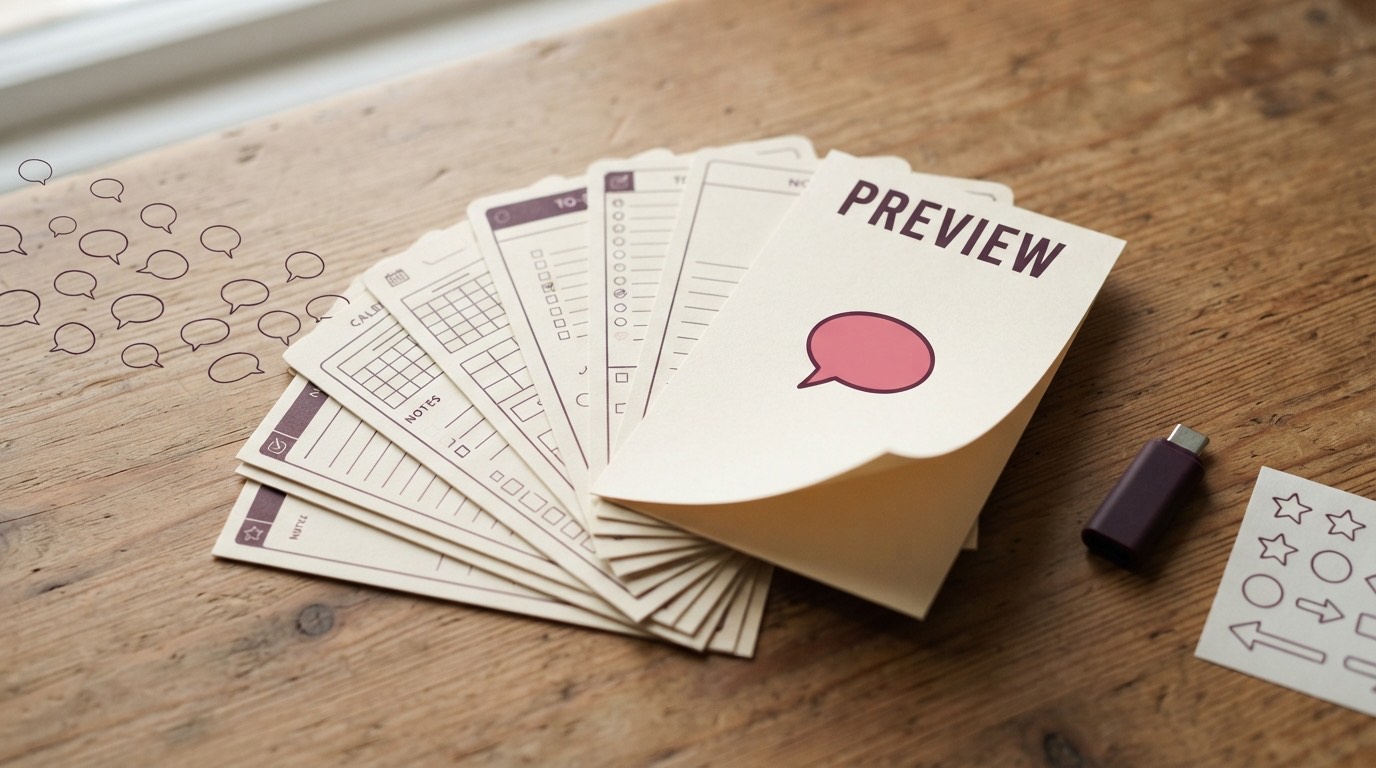
Deliver the preview with ReplyMagnet from the demonstration post.
Use the sample name in the request
A keyword such as SAMPLE should point to the exact preview shown in the post. Different products need separate campaigns or clearly separated post scope.
Caption example: ‘Comment SAMPLE for the weekly planner page shown here. Opens as a PDF.’
If the preview is hosted in another application, explain whether the person needs to sign in or make a copy. Basic and above support link assets; PDFs up to 25 MB are supported according to the asset guide.
Check the destination as someone without your editor permissions. A link that works for the owner may fail for a buyer.
Keep preview access separate from payment
ReplyMagnet delivers the requested preview. Your store handles checkout, payment, licences and access to the paid product.
A relevant purchase link can sit beside the sample's instructions or at the end of the resource. Make clear what changes in the paid version.
If you offer a discount, check its expiry and applicability in the store. Don't make the DM promise a code that no longer works.
For an email follow-up, explain the subscription before capture. Native Mailchimp or Kit sync starts at $9 monthly in the plan catalogue.
Listen to the questions the preview creates
Questions about compatibility, editing or licensing reveal what buyers still need to know. Use those questions to improve the preview and product page.
Track preview requests separately from purchases. A download can help someone decide not to buy, which is useful when it avoids a mismatch.
Before launch, test the request from another account, open the sample and follow the checkout link without completing a purchase. Repeat that check when the product changes.
See the resource delivery guide for the capture and download journey.
Common questions
Can ReplyMagnet sell the product in the DM?
The campaign can direct readers to your store, but checkout and paid access remain with the commerce system.
Can I send a Notion or spreadsheet template?
Use a link asset on Basic or above, or a PDF containing the destination. Verify the template's sharing and copy permissions from another account.
Should the preview require an email?
Only when the offer explains the intended follow-up. Direct preview access can be a valid choice when trying the product is the whole purpose.
Keep reading
- Sell Canva Templates on Instagram With a Free Sample
- Comment to DM on Instagram: Practical Automation Guide
- Use cases
- Instagram comment-to-DM for course creators: deliver a useful sample lesson
- Instagram enquiries for coaches and consultants: prepare the first call
- Instagram product enquiries: send the guide that helps buyers choose