Use cases

Instagram comment-to-DM for ecommerce brands

A product drop lives and dies in the first few hours, and the people commenting under it are ready to buy right then. This turns that comment into a discount code in their DMs, sent privately so the code stays yours to control, while the buyer's details land in whatever you run your store on.

Last updated

From a drop comment to a code in the DM

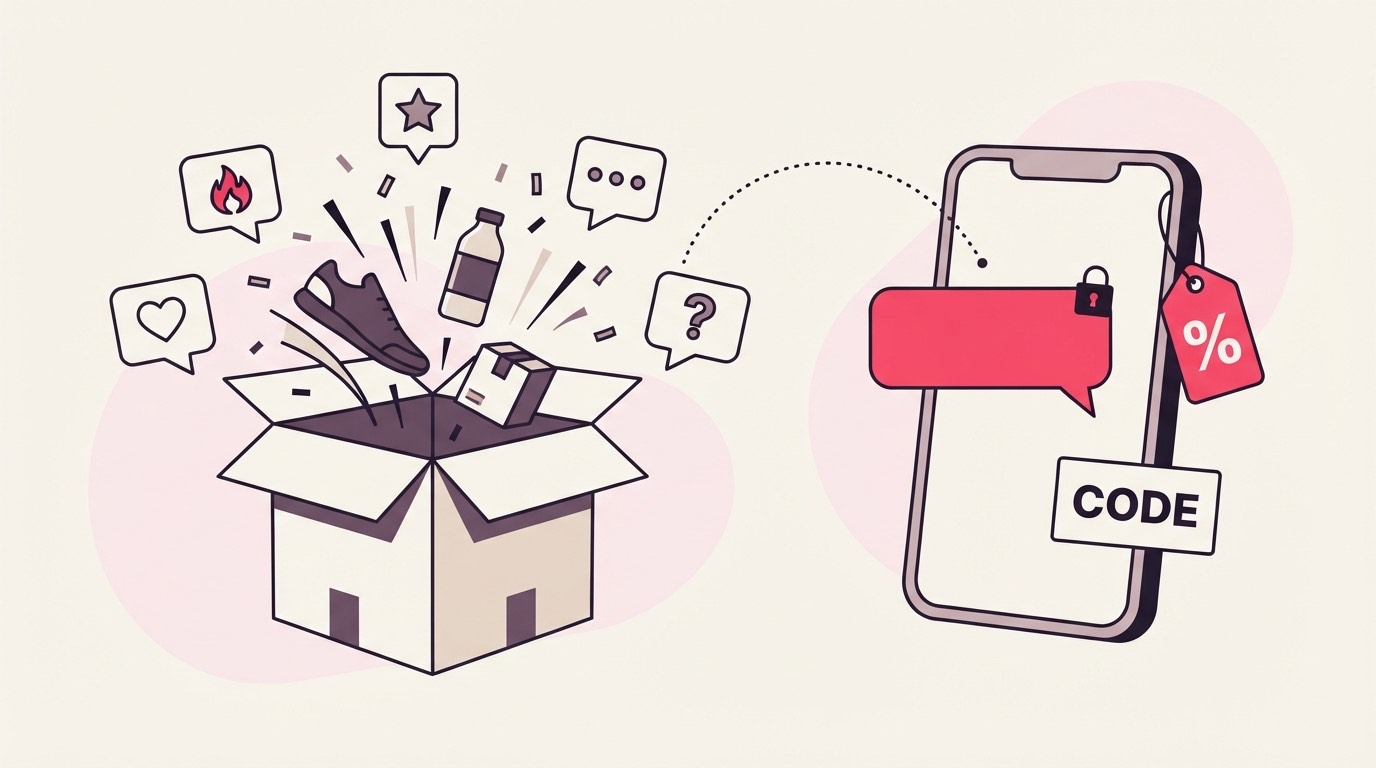
Someone comments your keyword under a product-drop post, gets a public reply so the thread looks answered, and a private DM carrying the discount code, either as text or a one-page PDF with the code and a shop link, so the comment turns into a checkout.

A drop post is already doing the selling. Someone sees the new product, comments DROP or the item name, gets a reply under their comment within seconds, and a DM lands with the code and a link to buy. The public part is just the acknowledgement; the code itself travels privately in the DM, which for a discount matters more than it does for a menu or a guide.

A product-drop comment answered with a discount code

That privacy is the whole reason to run a code this way rather than pinning it in the caption. A code in the caption is a code the whole internet has; a code in the DM went to someone who actually raised their hand under the drop.

A keyword that names the drop

Point the keyword at the drop itself, the product name or DROP, CODE, LAUNCH, rather than a generic word. A campaign holds up to 25 keyword variants, so the different ways people ask for the code can all fire the same delivery.

Under a drop, people comment the product name, "code?", "how do I get it". Set the obvious ones as variants on one campaign, the product name plus CODE, DROP, and LAUNCH, so nobody misses the discount because they typed the item instead of your word.

Keep the keyword off ordinary words. SALE reads fine until a whole-word match fires on "no sale is worth that", and a code goes to someone who was just talking. If the drop has a name, use it: the product's own name is the keyword least likely to show up in an unrelated comment.

The code, and where it's allowed to live

The delivered file is one PDF up to 25 MB, so a code can ride as plain text in the DM or as a one-page PDF holding the code and the shop link. Either way it belongs in the private DM, never in the public reply everyone under the post can read.

You have two honest ways to hand over a code. The simplest is the DM copy itself: the tracked link opens the drop, and the code sits in the message text. The other is a one-page PDF, the code big at the top and a "shop the drop" link under it, which is worth it when the code pairs with a lookbook or a few hero shots. A campaign attaches one file, and it has to be a PDF, so that single page is the whole asset.

The rule that's specific to a discount: the public reply is public. Put the code there and you have published it to everyone scrolling the comments, discount and all. The reply acknowledges the comment; the code goes in the DM, where it only reaches the person you meant it for.

Arming the drop, and the tools it feeds

Scope the campaign to the drop post, attach the code PDF or write the code into the DM, and connect the account. There is no native Shopify or Klaviyo link, so a captured buyer reaches your own store tools through an outbound webhook into Zapier or Make, on Pro.

Scope tight to the post you are dropping, since a code is tied to one launch, not your whole feed. Attach the PDF or drop the code into the DM copy, then comment your own keyword from a second account before you lean on it, and check that the code actually appears in the DM and still works, not just that a DM fired. The connected handle's own comments are ignored on purpose, so a test from your main profile shows nothing happening and that is not the campaign failing.

Be clear-eyed about where the lead goes next, because this is where it is easy to assume more than exists. There is no built-in Shopify, WooCommerce, or Klaviyo connection. What there is, on Pro, is an outbound webhook: each captured lead is posted, signed, to a URL you choose, so a Zapier or Make scenario can drop it into your store, your CRM, or an email tool other than Mailchimp or Kit. Email capture syncs directly to Mailchimp or Kit on Pro; anything else is that webhook, and calling it what it is saves a support ticket later.

Which drops actually sell, not just grab

Watch which drops turn codes into orders, not how many comments they pulled. The tool counts the code sent; whether it was redeemed lives in your store checkout, so read delivery here against redemption there, and mind the margin a freely-grabbed code gives away.

Two numbers, two questions, and they live in two places. The count of codes delivered sits in ReplyMagnet: how many people commented and got the discount. Whether those codes were actually redeemed sits in your store's own checkout, because there is no storefront integration reading that back. So the honest read is delivery here against redemptions there, per drop, and the drops where the two numbers stay close are the ones pulling real buyers rather than code-collectors.

Margin is the discipline this needs that a menu or a guide does not. A code handed to everyone who comments includes people who would have paid full price, so a blanket discount on a hot drop can cost you more than the extra orders return. Scope the campaign to the drop that needs the push, keep the everyday feed off it, and let the discount do its job where it earns one. On the plumbing: Basic and up export the captured buyers as a CSV, and Pro pushes each one out through the webhook as it arrives, so an overnight code request is in your store tools by morning rather than waiting on a manual pull.

What quietly bleeds a discount

Four traps show up on a store account: putting the code in the public reply where everyone grabs it, expecting a Shopify or Klaviyo sync that is not there, a keyword loose enough to fire under a shipping notice or a founder post, and reading comment counts as sales.

The public-reply mistake is the one that actually costs money. The reply everyone can read is not the place for a code; drop it there and the discount is public, screenshotted, and out of your hands. Keep the code in the DM, every time.

The integration assumption is the next one. Wiring a campaign expecting it to talk to Shopify or Klaviyo on its own ends in a dead end, because that connection does not exist. The path to your store is the Pro webhook into Zapier or Make, so plan for that hop rather than discovering it after the drop.

The rest are the familiar ones with an ecommerce edge. A keyword as broad as SALE or CODE on an account-wide campaign will answer a comment under a shipping-delay update or a meet-the-founder post that had nothing to do with the drop, so tie the word to the launch and scope to the post. And comment volume flatters a drop; the number that pays rent is orders off the code, which is why the store-side redemption count matters more than the comment count here.

Common questions

Can I put the discount code in the public reply so everyone sees it?

You can, but you shouldn't. The public reply is visible to everyone under the post, so a code there is a code the whole internet has. Keep the reply as a plain acknowledgement and put the actual code in the DM, where it only reaches the person who commented.

Does it connect to my Shopify or Klaviyo store directly?

No. There is no native storefront or Klaviyo integration. Email capture syncs to Mailchimp or Kit on Pro; to reach Shopify, Klaviyo, or anything else, Pro sends each captured lead through an outbound webhook into Zapier or Make, which routes it into your own tools.

Can the code be a unique one-time code per person?

Not per person. A campaign delivers the same asset to everyone who triggers it, so the code in the DM is the same code for all of them. If you need single-use codes, issue a limited code in your store, or use the Pro webhook to hand each lead to a system that generates one.

What happens if a drop goes viral and I pass my monthly limit?

Nothing is dropped. Comments past your monthly allowance park in the overflow queue, which every plan has, and release automatically as the next cycle opens or you upgrade, oldest first. You are billed only per reply or DM actually sent, and get an email at 80% of the allowance.

Do I need a paid plan to run a drop like this?

No. Starter is free with 1,000 engagements a month and one live campaign, which runs a single drop. The webhook into your store tools and ESP sync are Pro features, so the 30-day Pro trial, which needs no card, is the way to test the full pipeline on a real drop.

Keep reading