Use cases

Instagram comment-to-DM for newsletter writers

A newsletter grows one address at a time, and the people commenting on your best posts are already telling you they want more. This turns that comment into a subscriber: a sample issue in their DMs, the email captured before it opens, and the address dropped straight into the tool you send from.

Last updated

A comment that becomes a subscriber

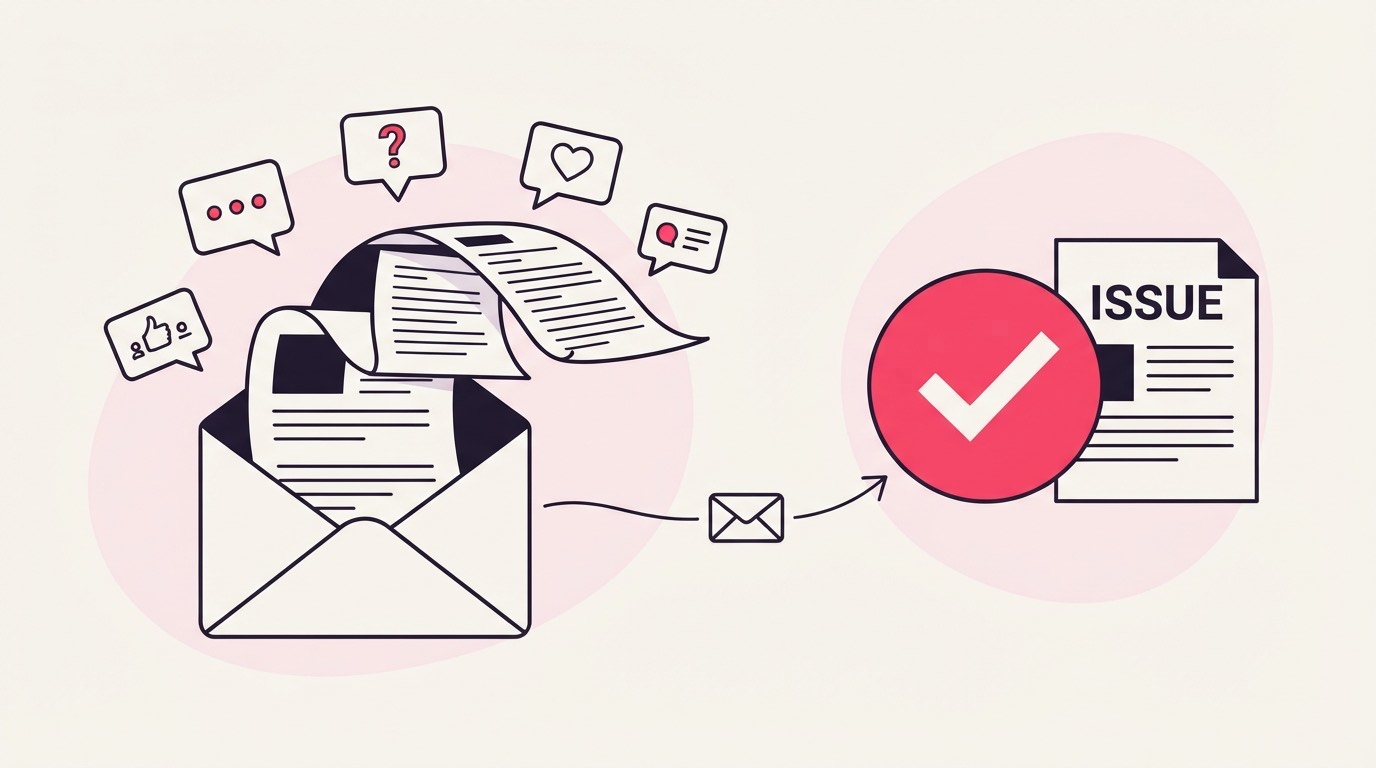
Someone comments your keyword under a post, gets a public reply, and a DM with your sample issue or lead magnet. The download page asks for an email before the file opens, so the comment becomes a real subscriber rather than a one-off reader.

The goal here is narrower than most: you want the email address. Someone reads a post that lands, comments ISSUE or SUBSCRIBE, sees a reply under it, and gets a DM with a link. The link opens a short page that asks for an email before the sample issue releases, and that email is the point of the whole exercise, not a nice-to-have on the side.

A post comment turning into a newsletter subscriber

For a menu or a pricing guide the address is optional. For a newsletter it is the entire product. Everything on this page is built around that one difference: the download is not the win, the subscriber is.

The word people type under a good issue

SUBSCRIBE, ISSUE, NEWSLETTER, and READ match cleanly under a post that is working. A campaign holds up to 25 keyword variants, so the different words people reach for to say send me that can all fire the same subscribe flow.

Caption the post with the word, "comment ISSUE and I'll send you this one", and most people follow it. SUBSCRIBE, ISSUE, NEWSLETTER, and READ each name what is coming and don't turn up mid-sentence by accident.

For the people who phrase it as a reaction, "need this", "where do I sign up", smart matching can read the comment for genuine intent when no keyword matched, and it stays quiet unless it is confident. Keep the keyword off everyday words, though: READ is safe, but a word like THIS fires on any passing "I need this", and a subscribe prompt goes to someone who was not asking to join anything.

A sample issue worth the address

The delivered file is one PDF up to 25 MB, so the asset is a strong sample issue or a lead-magnet PDF, good enough that handing over an email for it feels like a fair trade rather than a toll on the way to a signup.

One campaign, one PDF. For a newsletter the natural asset is your best issue rebuilt as a clean one-pager, or a lead magnet that only makes sense if you also read the newsletter, a checklist, a swipe file, a short guide. Keep it genuinely good, because the sample is the argument for the subscription. A thin teaser that stops before the value earns an unsubscribe on the first real issue.

If the real thing lives on the web, a one-page PDF with the link inside still works, but a newsletter is usually text anyway, so the sample issue as a PDF is often the most honest version of what someone is signing up to receive.

Why the email gate isn't optional here

The email gate is optional in the product but essential for this use, since the address is the goal. Turn it on, attach the sample, and on Pro the captured address syncs into Mailchimp or Kit tagged by campaign, dropping the subscriber straight into the tool you send from.

Most pages on this site treat the email gate as a judgement call. Here it is not one. With the gate off you would hand out the sample issue and collect no addresses, which is a giveaway, not list growth. Turn it on so the sample releases only after an email, and the comment becomes a subscriber instead of a reader who is already gone.

Where the subscriber lands next is the part worth setting up properly. On Pro, ESP sync drops each captured address straight into Mailchimp or Kit, tagged with the campaign it came from, so someone who subscribed off your essay on pricing is tagged apart from someone who came for a template. On Starter and Basic there is no direct sync: Basic exports the list as a CSV you import yourself, which is fine at low volume but a chore once posts start converting. Set the DM and capture-page copy so people know the sample means they are on the list, since a subscriber who forgot they signed up is the one who marks the first issue as spam. The no-card 30-day Pro trial is the clean way to watch real subscribers flow into your ESP before you commit to a plan.

Counting subscribers, not downloads

The number that matters is confirmed subscribers, not comments or downloads, read per post so you learn which issue topics actually convert. On Pro each one lands in your ESP tagged by campaign, already sorted by the interest that brought them in.

Comments tell you a post travelled; subscribers tell you it earned something. The real figure is emails captured, and it is worth reading per post rather than in a lump, because it tells you which topics turn a casual reader into someone who wants the next issue. An essay that pulls a hundred comments and ten subscribers is a weaker signal than one that pulls thirty comments and twenty-five subscribers, and that gap is your content calendar telling you what to write more of.

The tagging is quietly the most useful part. Because each subscriber arrives in Mailchimp or Kit labelled with the campaign that caught them on Pro, you are not just growing a list, you are growing a segmented one: the people who came for the pricing piece can get a different welcome than the people who came for the templates. On Basic that sorting is a manual pass over the CSV; on Pro it is done by the time the address lands. Either way the metric to trust is subscribers per post, not the comment count that flatters every viral moment.

The ways a list stops growing

The recurring slips: running with the email gate off so you collect downloads and no subscribers, expecting ESP sync below Pro, a keyword that fires under an off-topic post, and copy that never tells people they are joining a list, which invites spam complaints.

Leaving the gate off is the fatal one for a newsletter. Without it the sample issue goes out and no address comes back, so you have spent a good post growing a download counter instead of a list. The gate on is what makes any of this a subscription flow at all.

The plan assumption is next. ESP sync into Mailchimp or Kit is a Pro feature, so on Starter or Basic the addresses collect in ReplyMagnet and reach your sending tool only when you export and import them by hand. That is workable while volume is small; it is a real drag once a post converts well, which is the point to weigh the Pro trial.

The last two are about trust. A keyword loose enough to fire under a poll asking what to cover next, or a personal photo that was not an offer, sends a subscribe prompt to people who were not asking, so scope to the posts that are actually offering the issue. And a capture page that grabs an email without making clear it means the newsletter breeds spam complaints on the first send, which hurt deliverability more than a slow week ever would. Say plainly, in the DM and on the page, that the sample comes with a subscription.

Common questions

Do I have to turn on the email gate?

For a newsletter, effectively yes. The gate is optional in the product, but with it off you hand out the sample issue and collect no addresses, which defeats the purpose. Turn it on and the sample releases only after an email, which is what turns a commenter into a subscriber.

Does the subscriber land in my email tool automatically?

On Pro, yes: ESP sync drops each captured address into Mailchimp or Kit, tagged by campaign. On Starter and Basic there is no direct sync, so Basic exports a CSV you import yourself. Mailchimp and Kit are the two supported ESPs; other tools connect through the Pro webhook.

Can I tag subscribers by which post they came from?

Yes, on Pro. ESP sync labels each subscriber with the campaign that captured them, so someone who joined off one topic is tagged apart from someone who joined off another, and you can send them a matching welcome instead of one generic sequence.

How do I keep people from marking the first issue as spam?

Set expectations in the copy. Say in the DM and on the capture page that the sample comes with a subscription to the newsletter, so nobody is surprised by the first send. A subscriber who knows they signed up is far less likely to hit spam, which protects your deliverability.

Do I need a paid plan to start?

No. Starter is free with 1,000 engagements a month and one live campaign, and the email gate works on it, so you can capture addresses right away. ESP sync into Mailchimp or Kit is a Pro feature; the 30-day Pro trial needs no card if you want the address to land in your tool automatically.

Keep reading