Help
Send captured emails to the right audience
Start with the audience or form you want to use. Then test a captured address all the way into that destination before turning on a welcome sequence.
Published by ReplyMagnet · Last updated
Connect the provider
Mailchimp requires an API key and Audience ID; Kit requires an API key and Form ID. ReplyMagnet validates the connection before saving it.
Open the email integration settings and enter the required details. Keep keys private. For Mailchimp, the key's data-centre suffix is used to reach the correct account.
Native email sync starts at $9 monthly in the plan catalogue. Create a ReplyMagnet account if needed.
Verify what arrives
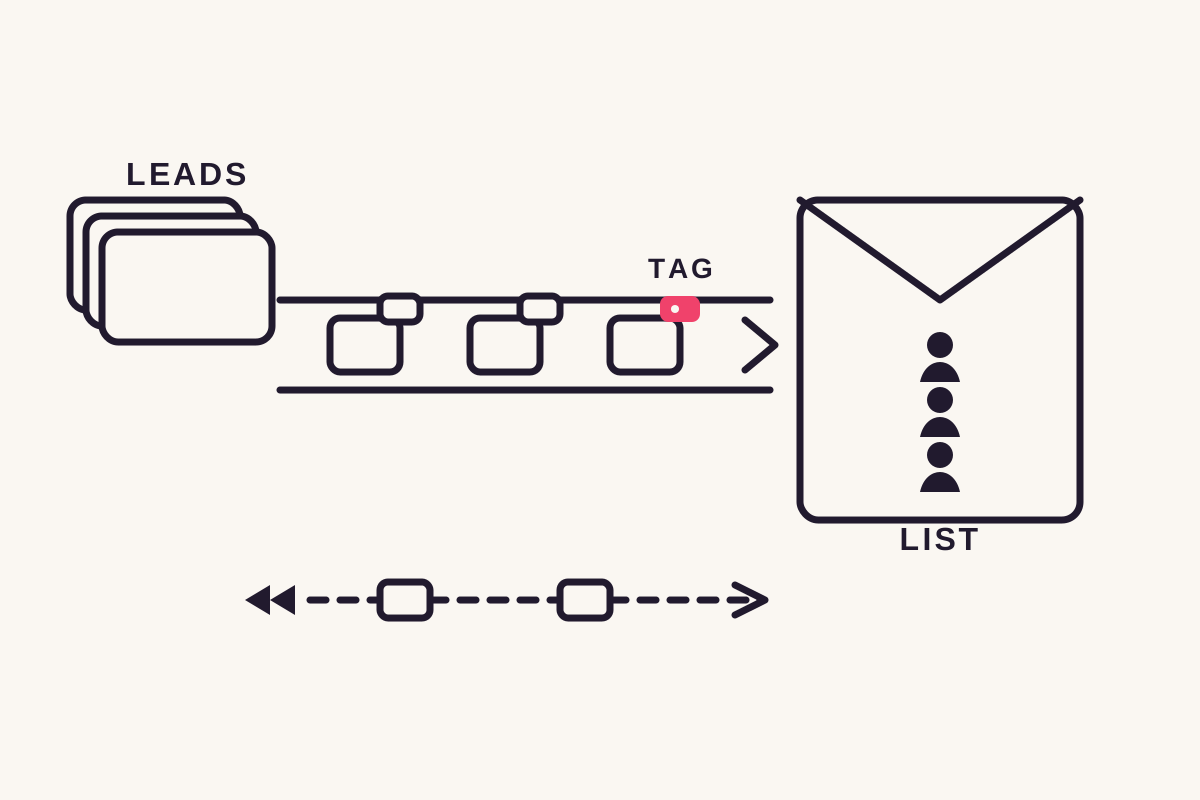
A captured email is queued as a new or updated destination contact. The email address identifies the contact, with source, platform, username and campaign information carried over.
Complete an email-gated request using an address you control. Inspect the destination record rather than only the connection's success message.
The source and base tag use ‘Magnet.’ A campaign-name tag can also be applied when enabled. Check these values before using them to start an email sequence.
A captured address is not necessarily a confirmed subscriber. The provider's subscription and confirmation settings still apply. See capture gates for the reader-side form.
Bring earlier leads across deliberately
Use Sync existing leads to backfill addresses captured before the provider was connected. Repeated runs identify contacts by email rather than intentionally creating a new record each time.
Review the audience and tagging settings before starting the backfill. Existing leads may represent different offers, so make sure the intended follow-up is appropriate.
Afterward, inspect a few known records in the provider. Do not infer that every address is ready for every mailing merely because the import completed.
Fix the cause before re-enabling
Eight consecutive sync failures pause the connection. Settings shows the disabled state and a Re-enable action; correct the key, destination or provider problem first.
A deleted audience, invalid key or provider outage can interrupt delivery. Inspect the recorded error and confirm that the destination still exists.
A downgrade below Basic preserves the connection but stops automatic sync. Returning to an eligible plan restores access. Use the existing-leads action when an explicit backfill is needed rather than assuming missed contacts moved automatically.
The lead list helps you verify which addresses ReplyMagnet actually captured.
Common questions
Will two requests create two contacts in Mailchimp?
Sync identifies the destination contact by email. A second request using the same address can update the existing contact and its tags.
Do I need to re-enter the key after a failure pause?
Not unless the key is wrong or needs replacing. Fix the underlying issue and use Re-enable for the saved connection.
Does sync send the newsletter?
No. ReplyMagnet delivers captured contact data. Your email platform owns subscription confirmation, sequences and newsletter sends.