Help
Send lead events to a receiver you control
Choose the event that contains the data you need. A newly matched comment will not necessarily have an email or phone number yet.
Published by ReplyMagnet · Last updated
Add the endpoint and save its secret
Add an HTTPS endpoint in Settings → Integrations, choose events and save the signing secret when it appears. Webhooks start at $29 monthly under ReplyMagnet's plan catalogue.
Give the endpoint a recognisable label. Copy the secret into secure configuration because Settings does not reveal it again. If it is lost, create a replacement endpoint.
A webhook is an HTTP request sent to your receiver when a selected event occurs. Create an account if needed, and check the plan guide for ongoing access.
Subscribe to the event that has the field
Email and phone submissions produce separate events after the initial lead match. Do not assume lead.created already contains the details collected by later gates.
Inspect an actual test payload before mapping destination fields. The campaign information helps your receiver distinguish offers. See the Zapier and Make guide for planning the handoff.
Available event choices
Event
lead.created
- Meaning
- Initial campaign match
Event
lead.email_captured
- Meaning
- Email submitted
Event
lead.phone_captured
- Meaning
- Phone submitted
Event
lead.followed
- Meaning
- Follow recorded, including verification status
Verify the raw request
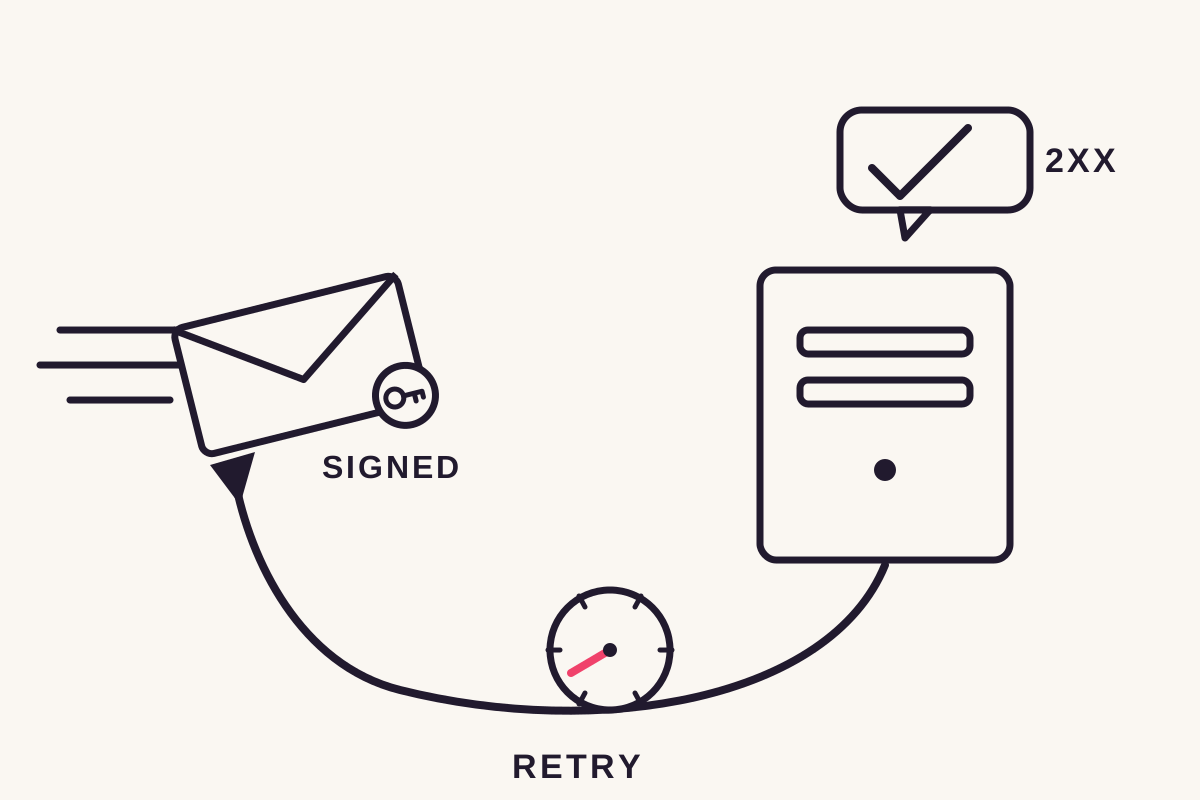
Recompute HMAC-SHA256 over the timestamp, a period and the raw body using the endpoint secret. Compare the sha256-prefixed result with X-Magnet-Signature.
Use X-Magnet-Timestamp as the timestamp input. Preserve the raw body: parsing and reserialising JSON can change the bytes and invalidate the comparison.
Settings provides a Node example beside the endpoint. Use Zapier setup or Make setup for the receiving-platform instructions.
Design the destination to handle retries without creating duplicate records.
Recover from a disabled endpoint
After eight consecutive failures, ReplyMagnet disables the endpoint. Fix the receiver, then use Re-enable in Settings to resume new events.
Non-2xx responses and requests without a response count as failures. A successful delivery resets the consecutive-failure count.
Settings shows the latest outcome, not a complete delivery history. Check the receiver's logs as well. Re-enabling does not replay events missed while disabled.
A downgrade below a webhook-enabled plan preserves the configuration but stops deliveries. Returning to an eligible plan resumes access; do not assume missed events are backfilled.
Common questions
Why is the email missing from lead.created?
The initial match can occur before the person submits an email. Subscribe to lead.email_captured when your receiver needs the address.
Can I retrieve the secret later?
Settings shows the secret once. If you lose it, create a replacement endpoint and update the receiver securely.
Will Re-enable send missed events?
No. It resumes new-event delivery. Reconcile any missed records through a separate controlled process.