Help
Choose what happens before the resource opens
You can deliver directly or add a requirement. Start with the details the offer actually needs, rather than enabling every available field.
Published by ReplyMagnet · Last updated
Choose direct delivery or contact capture
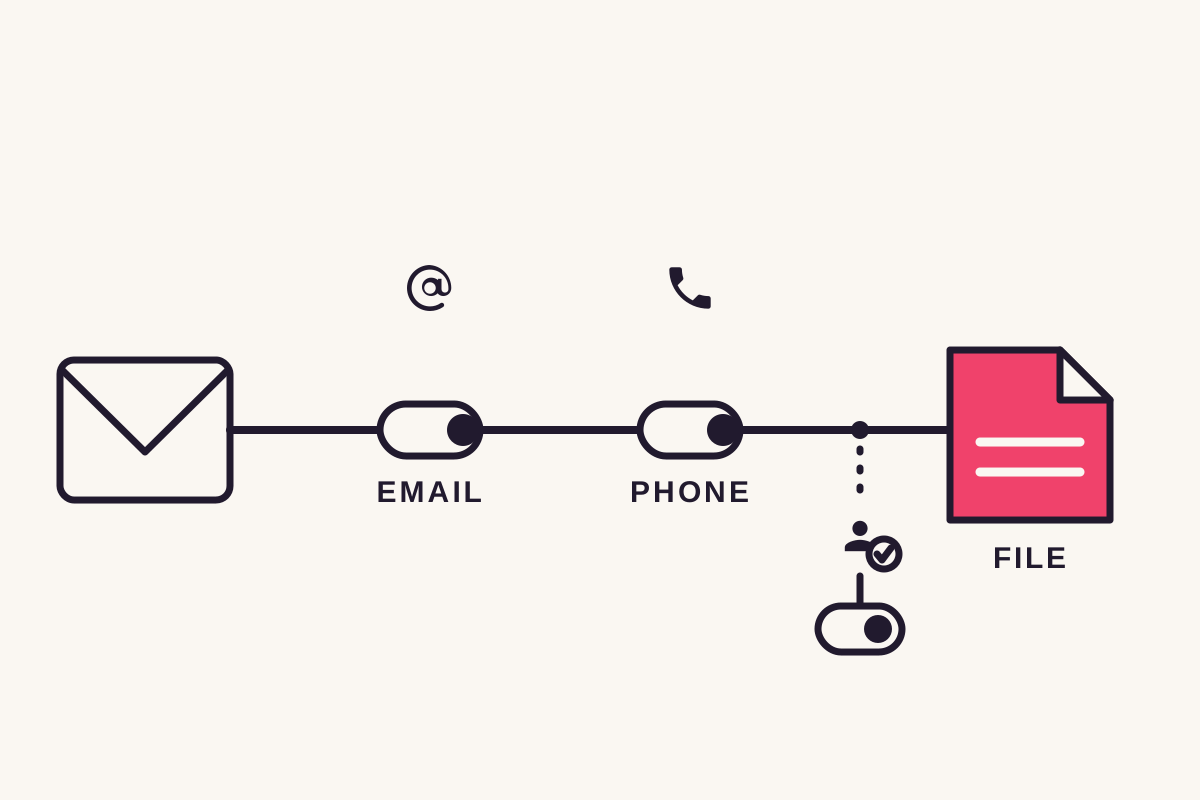
With contact gates off, the delivery link opens the resource without a form. Email or phone capture inserts a page that must be completed before access.
In the campaign's gates step, enable only the fields you intend to request. Explain their purpose in the offer.
- Email suits an explained email follow-up.
- Phone suits an explained callback or similar request.
- Neither is necessary for a resource you want to make directly available.
Recipients do not need a ReplyMagnet account. Create your own campaign, then test the recipient experience separately.
Check field availability and validation
Email capture is available free. Phone capture starts at $9 monthly in ReplyMagnet's plan catalogue, and either field can be enabled independently.
The form checks the submitted values before allowing access. A value passing validation is not proof that the person owns an inbox or that a number is appropriate for every future use.
Test the field with an address or number you control. Then inspect Leads to confirm the expected details were recorded.
Use the plan guide before relying on paid fields after the trial.
Treat the follow gate as a separate condition
The optional follow gate checks Instagram's follow-status response. A confirmation button requests another API check; clicking it alone does not establish a verified follow.
An existing follower can already satisfy the condition. Someone who doesn't follow is prompted to do so before the required check passes.
Read the follow-gate guidance before withholding a resource. The ability to verify follow status does not approve every campaign use. ReplyMagnet does not provide equivalent per-person like verification through this integration.
Test the exact combination you enabled
Request the resource from another account and complete the enabled steps. Verify both access to the resource and the recorded contact fields.
If you enable email and phone together, test both on a phone-sized screen. If you remove a gate, make a new request to confirm the revised path.
Keep the caption and DM consistent with the new settings. A form introduced after publication should not surprise someone who was promised direct access.
Common questions
Can I enable email and phone together?
Yes. Both fields can appear on the capture page. Explain why both are needed before requesting them.
Does a recipient need an account?
No ReplyMagnet account is required to complete the capture page and open the resource.
Does Verified mean the person liked the post?
No. Verified refers to the recorded Instagram follow check, not a per-person like check.