Help
Connect your Instagram account
Connecting takes about a minute once your account is the right type. Here's what ReplyMagnet asks for, how many accounts your plan allows, and what to do if the connect screen blocks you.
Last updated
What kind of account you need
Instagram's API only opens comment replies and DMs to Business or Creator (professional) accounts. A personal profile can't connect. Switching is free in the Instagram app under Settings → Account type, takes about two minutes, and doesn't change how your profile looks to followers.
This is a platform restriction, not a ReplyMagnet one. Instagram's Graph API (the official, reviewed interface every real integration is built on) simply doesn't expose comment-reading or DM-sending endpoints to personal profiles, whatever tool is asking.
If you try to connect a personal account, ReplyMagnet doesn't just fail silently: it walks you through the switch. Open the Instagram app, go to your profile, tap the menu, then Settings and activity → Account type and tools → Switch to professional account, and choose either Creator (built for individuals) or Business (built for brands). Both work identically with ReplyMagnet. Your posts, followers, and how your profile looks to anyone visiting it stay exactly the same.
How connecting works
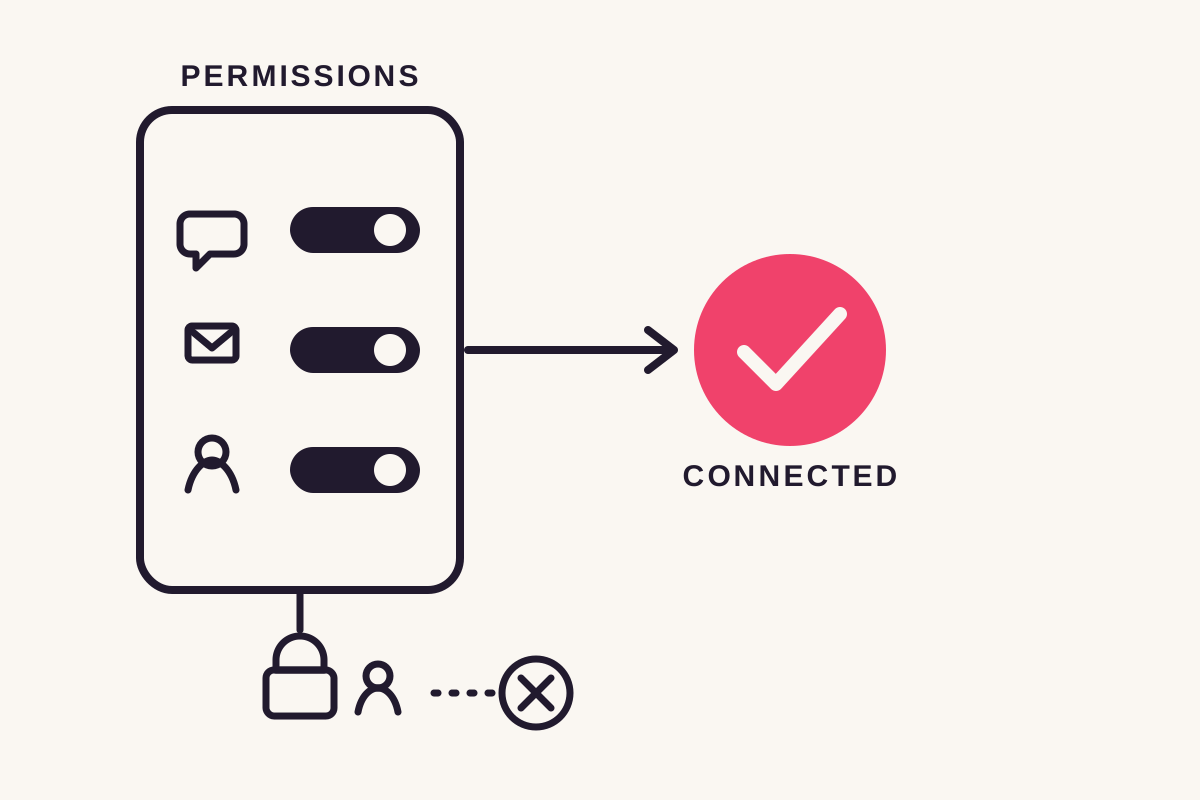
You approve ReplyMagnet on Instagram's own consent screen, never a ReplyMagnet login page, so it never sees or stores your password. It requests exactly three permissions: your profile and posts, replying to comments and sending DMs, and checking whether a commenter follows you. The access token is stored encrypted.
Clicking Connect Instagram takes you to Instagram's own OAuth screen, the same kind of "Continue as..." approval flow you've seen on other apps. You're authenticating with Instagram directly; ReplyMagnet only ever receives a token back once you approve, never your password.
That token grants three things, and the consent screen lists them plainly: your profile and posts, so you can pick which one to automate; replying to comments and sending DMs, so it can actually deliver your file; and checking whether a given commenter follows you, which is what lets the follow gate verify a follow instead of taking someone's word for it. Nothing broader gets requested: no permission to post new content on your behalf. The token itself is encrypted before it's stored, and you can revoke it at any time from Instagram's own app settings, which disconnects ReplyMagnet immediately.
How many accounts you can connect
Account limits are per plan: Starter connects 1 account, Basic 1, Pro up to 3, and Agency up to 10. The 30-day trial runs on Pro's features, so a trialing workspace also gets 3 accounts.
The limit counts every connected social account on the workspace, across platforms, not per-platform. It's enforced the moment you approve a new account on Instagram's consent screen: if the workspace is already at its plan's limit, the connection is blocked before it's saved.
A blocked-personal account (one that failed the professional-account check) still counts toward this limit until it's disconnected, since it's still occupying a slot in the workspace. Upgrading raises the limit immediately; the next connect attempt just works.
Common connect errors
Connecting a personal account is blocked with a prompt to switch to Business or Creator first. Hitting your plan's account limit blocks a new connection until you upgrade or disconnect one. Reconnecting an account you've already connected is always allowed and never counts against the limit.
Two errors cover almost every case. A personal-account block shows the switch-to-professional steps right there on the connect page, with a button to re-check once you've made the switch. An account-limit block means the workspace is already at its plan's cap: the page tells you to upgrade in Settings → Plan or disconnect an existing account to make room.
Reconnecting is different from connecting new: if the account ReplyMagnet is trying to save already exists in the workspace (even if it's currently disconnected or blocked), that reconnect is always allowed regardless of the account limit. Only a genuinely new account occupies a new slot.
Disconnecting and reconnecting
Disconnect an account from Settings, and its campaigns pause immediately rather than keep running against a revoked token. Reconnecting the same account resumes exactly where it left off, and a reconnect never counts against your plan's account limit.
Disconnecting is a deliberate action from Settings, not something that happens automatically. The moment you disconnect, every live campaign tied to that account is paused: nothing keeps trying to reply or DM through a connection that's gone.
Reconnecting the same account picks the campaigns back up without any rebuilding: keywords, replies, DM copy, and gates are all still there, paused, waiting to be turned live again (or left paused if you'd rather review them first).
Common questions
Can I connect a personal Instagram account?
No. Instagram's API doesn't allow comment or DM automation for personal profiles. Connect anyway and ReplyMagnet walks you through switching to Business or Creator for free, then reconnecting.
Does ReplyMagnet ever see my Instagram password?
No. You approve access entirely on Instagram's own consent screen; ReplyMagnet only ever receives an encrypted access token back, never your credentials.
What happens to my campaigns if I disconnect an account?
They pause immediately. Reconnecting the same account resumes them exactly as they were: nothing needs to be rebuilt, and the reconnect doesn't count against your plan's account limit.