Use cases
Instagram comment-to-DM for podcasters
A podcast episode earns comments before it earns downloads. Someone catches the teaser clip, says they want the links you mentioned on the mic, and that comment is a listener worth keeping. Here's how it becomes a show-notes download and, if you want it, a name on your show's own list.
Last updated
What the flow looks like for you
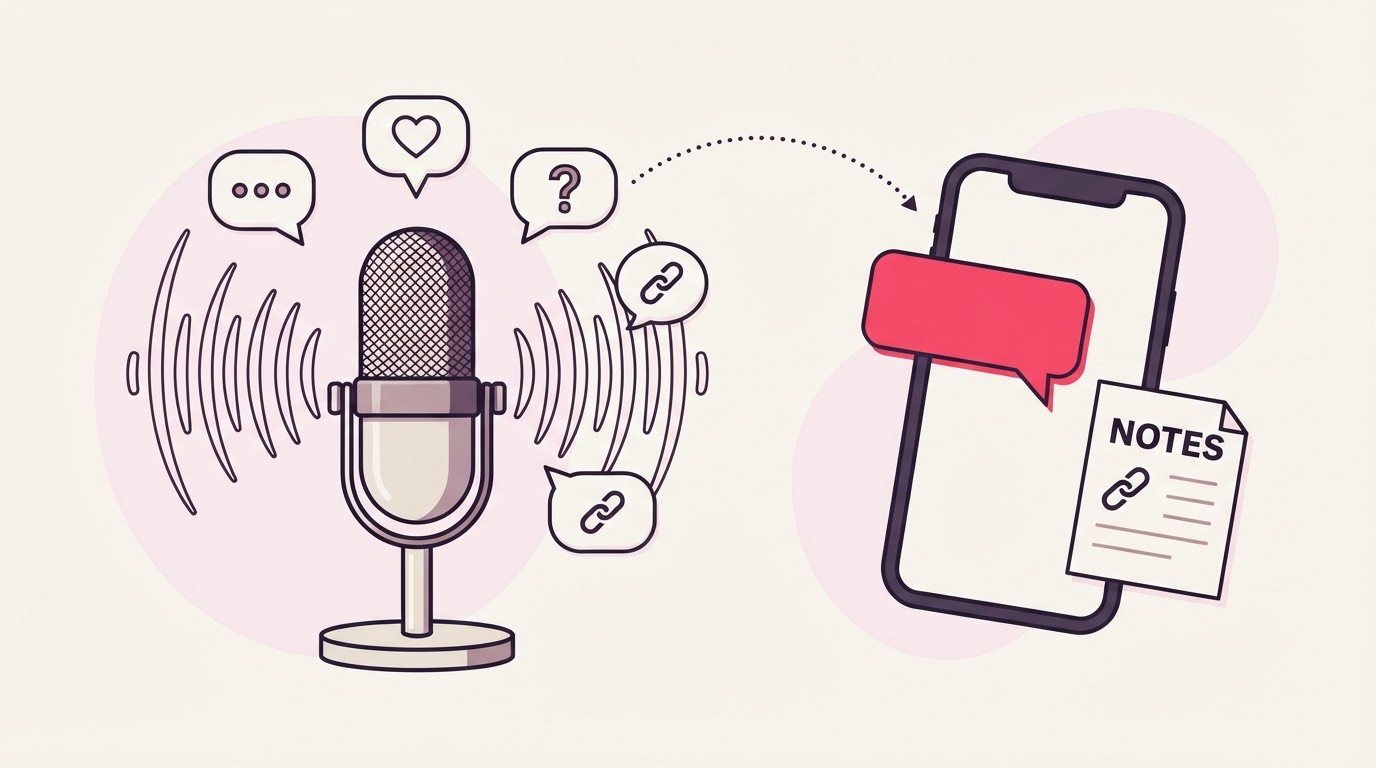
A listener comments your keyword under an episode teaser, gets a public reply so the thread looks handled, and a DM with your show-notes PDF: the episode links, the guest's resources, and everything you named on the mic. An email gate for the show list is optional.
The teaser clip is doing the pitch. Someone hears the guest name a book, a study, a tool, comments NOTES or LINKS, sees a reply land under their comment within seconds, and gets a DM with a link to the full show notes. No more "link in bio, scroll to episode 47" and hoping they dig for it.

That loop runs the same on a brand-new episode and on one from eight months ago, which matters more for a podcast than for most formats, since a back catalogue keeps getting found long after release day. The rest of this page leans on that.
Keywords that work for this audience
NOTES, SHOWNOTES, LINKS, and RESOURCES name what the DM holds and match cleanly. A campaign carries up to 25 keyword variants, so the several ways a listener asks for the links you mentioned can all trigger the same show-notes delivery.
On the mic you probably already say "comment NOTES and I'll send you everything from this one." Set the obvious variants, NOTES, SHOWNOTES, LINKS, RESOURCES, on the one campaign, so a listener who typed LINKS isn't left out because you said NOTES.
Steer clear of a word that turns up in ordinary comments. EPISODE reads fine until a whole-word match fires on "best episode yet", and a listener who was only praising the show gets a resource PDF they never asked for. If a series has a running segment name, that segment word is the keyword least likely to appear by accident.
What to offer
The delivered file is one PDF up to 25 MB, so the asset is a show-notes page: the episode's links, the guest's book or site, and the tools and studies named on the mic, with each of those pointing out to wherever they actually live from inside the PDF.
One campaign, one PDF. For show notes that's a comfortable fit: the episode link, timestamps for the good bits, the guest's book and handle, the three tools they swore by, all on a single page a listener reads on their phone on the walk home. Because it's a normal PDF, every one of those references can be a real link out, so the notes are a hub, not a screenshot.
If a guest gave you a discount code or a free chapter, that lives on the same page. Keep it to the one episode's material, though. A show-notes PDF trying to also be your media kit and your merch catalogue reads as more than the person asked for when they typed one word under a clip.
Setting it up
Because the same keyword works under every episode teaser, one account-wide campaign is often the whole setup: pick the keyword, attach the current episode's show-notes PDF, turn the email gate on if you want the show list, and swap the attached PDF each week as a new episode drops.
This is where a podcast differs from a product catalogue. A store needs one campaign per product because each has its own file; a show can run a single standing campaign scoped to the whole account, since the ask, "send me the notes", is the same every week. The keyword NOTES sits live all the time, and each release you edit the campaign to attach the new episode's show-notes PDF.
That standing setup has one edge worth naming: an account-wide campaign delivers whatever PDF is attached right now, so a comment on last month's teaser gets this week's notes. If episode-specific accuracy matters to you, run a per-episode campaign scoped to each teaser post instead. That's more setup, but each teaser then answers with its own notes for good. Either way, turn the email gate on if you're building a listener list, attach the PDF, and comment the keyword from a second account before you rely on it: the connected handle's own comments are ignored on purpose, so a test from the show's profile just sits there answering nothing.
What to measure
Matched comments per episode tell you which topics and guests actually send listeners hunting for the links, and because old teasers keep firing, the show-notes grab is a signal that keeps arriving from the back catalogue, not only on release day.
The number worth reading is how many listeners asked for the notes, broken out by episode. That's a cleaner read on which guest or topic landed than download charts give you, since a resource grab is a listener who wanted more, not one who autoplayed past. An episode that pulls thirty note requests off a smaller comment count is telling you to book more guests like that one.
The back-catalogue angle is specific to this format. A teaser you posted in spring can start pulling note-grabs again when the episode gets re-shared in autumn, so the count on an old campaign is worth a look now and then, not only in release week. On the list side, Basic and up export the captured emails as a CSV, and Pro and Agency drop each one into Mailchimp or Kit tagged by campaign, so the people who came for the money episode and the people who came for the mindset episode don't end up in one undifferentiated list. And since you're billed per reply or DM actually sent, an episode that quietly overperforms costs only the notes it delivered, with an automatic email at 80% of the monthly allowance so the ceiling never arrives as a surprise.
Where it goes wrong
A few slips repeat on a podcast feed: a keyword common enough to fire under a non-episode post, forgetting an account-wide campaign serves the currently attached PDF to old teasers, testing from the show's own handle, and reading comment counts instead of note grabs.
The keyword-and-scope pairing is the one to get right. An account-wide campaign is the natural setup for a show, but it means a loose word like EPISODE or SHOW can answer a comment under a live-show flyer, a merch drop, or a guest thank-you post, none of which were an episode teaser. Keep the keyword specific to the ask, NOTES or RESOURCES, so it only fires where a listener actually wants the links.
The attachment gotcha is the podcast-specific one. Because a standing account-wide campaign hands over whatever PDF is attached at that moment, a listener commenting on an old teaser gets the current week's notes, not that episode's. If that matters, the per-episode campaign is the fix; if it doesn't, a single evergreen resource page (a "best links from the show" PDF) sidesteps it entirely.
The last two are familiar. Comment the keyword from a second account to test, since the pipeline skips the connected handle's own comments and a self-test will simply sit unanswered. And a comment count flatters an episode; the figure that means something is note grabs, the listener actually reaching for what you offered.
Common questions
Can one campaign cover every episode, or do I need a new one each week?
One account-wide campaign can cover them all, since the ask is the same every episode. You attach the current episode's show-notes PDF and swap it each week. If you want every old teaser to keep answering with its own episode's notes, run a per-episode campaign scoped to each teaser instead.
What goes in the show-notes PDF?
Whatever you named on the mic: the episode link, timestamps, the guest's book and handle, tools and studies mentioned, any discount code a guest gave you. Because it's a normal PDF, each of those can be a real link out, so a listener taps straight through to the thing rather than searching for it.
Can I build a listener email list from this?
Yes, turn on the email gate. The download page then asks for an email before the show notes open, so a comment becomes a name on the show's list. On Pro that address also syncs into Mailchimp or Kit tagged by the episode campaign it came from.
Do people have to type an exact word, or does it read natural comments too?
Both. Exact keywords like NOTES or LINKS match instantly, and smart matching can catch a natural request like "where are the links from this one" when no keyword matched, staying quiet unless it's confident the comment is genuinely asking.
Do I need a paid plan to run this?
No. Starter is free with 1,000 engagements a month and one live campaign, which is enough for a single standing show-notes campaign. The email list export and ESP sync into Mailchimp or Kit are Basic and Pro features, so the no-card 30-day Pro trial is the way to test the full list flow.