Use cases
Instagram comment-to-DM for restaurants and cafes
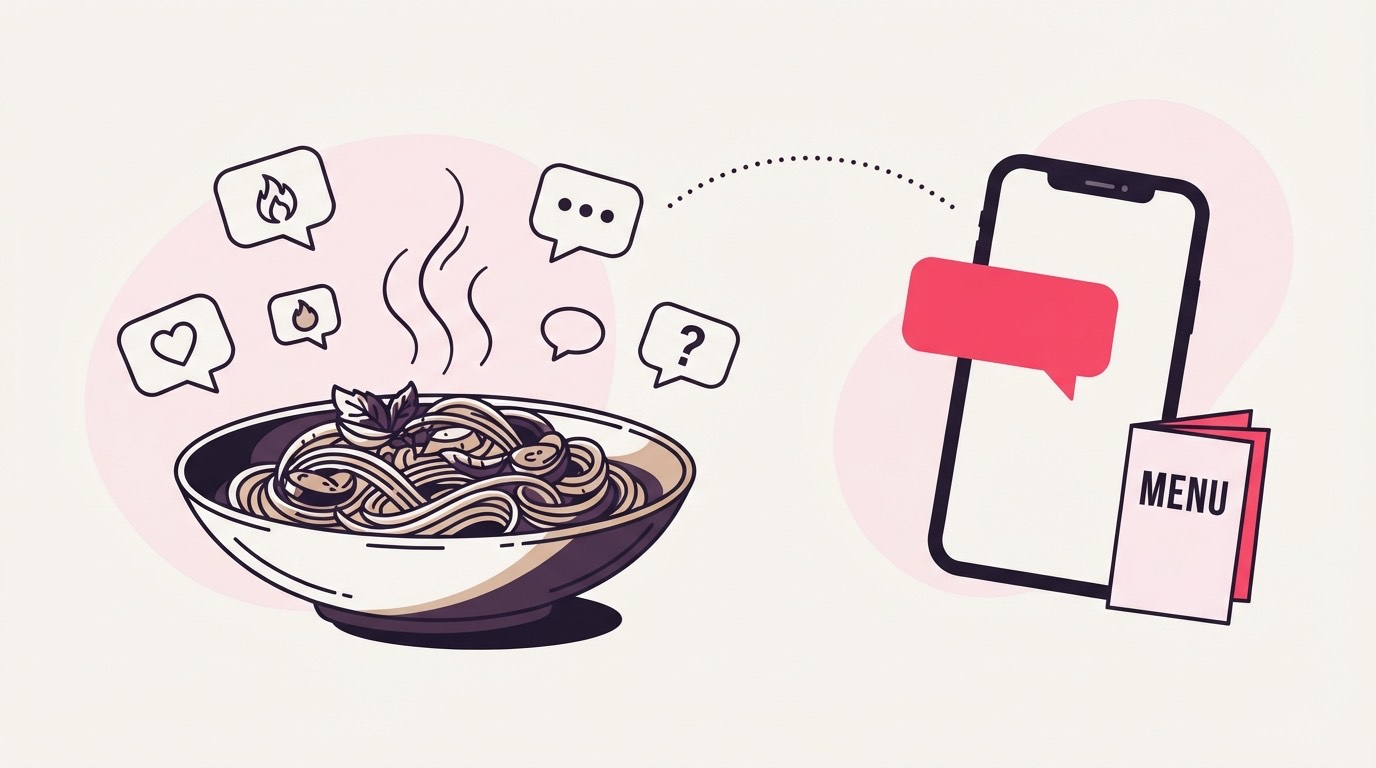
A dish reel doesn't get commented on because people want a PDF. They comment because they're hungry, and half of them won't type a keyword to say so. This uses the "any comment" mode to answer every one of them with your menu, a reservation link, and a reply that keeps the thread warm.
Last updated
Why a dish reel runs on "any comment"
A dish reel pulls reactions, not keywords, so the campaign runs in "any comment" mode: every comment on the post gets a public reply and a DM carrying your menu or offer PDF, whether the comment was a full sentence or a single emoji.
The comment under a plate of food is rarely a tidy keyword. It's an emoji, a tagged friend, "omg where". Telling people to "comment MENU" leaves most of that on the table, because the ones reacting hardest to the food are the least likely to stop and type your exact word. "Any comment" mode drops the keyword entirely: every comment on the post you armed gets the reply and the DM, so a fire emoji converts the same as a paragraph.

That fits food specifically. A reel of a dish is an impulse, and the window to answer an impulse is short. Firing on every comment means nobody who reacted goes unanswered while you're mid-service and nowhere near the phone.
Comment anything, no word to miss
"Any comment" is one of three match modes, next to exact keyword and smart AI. It fires on every comment on the post it's scoped to, which is why it belongs on a single dish reel and never on an account-wide campaign.
Keyword mode waits for a specific word and smart mode reads for intent; "any comment" mode skips both and treats every comment as a request. For a menu drop that's the point. You're not filtering for buyers, you're feeding everyone who reacted to the food, and there's no word to misspell and nothing to slip past.
The trade is that it answers literally everyone, "first" comments and tagged friends included. For a menu that's fine, since a menu is the one thing you'd hand anyone who walked through the door. It only turns into a problem if you aim an "any comment" campaign at your whole account instead of the one reel, which is covered further down.
A menu that lands on a table
The delivered file is one PDF up to 25 MB, so the asset is your menu or a limited-time offer sheet, with the reservation or online-ordering link placed inside the PDF so tapping it lands on a way to eat there, not a dead end.
A menu is already a PDF in most kitchens, so the single-file 25 MB limit rarely bites; compress a photo-heavy design if it does. What earns its place is the link inside it: a "book a table" link to your reservations page, or an ordering link to wherever delivery actually runs. The PDF answers "what do you serve" and the link answers "how do I get it tonight".
An email gate is optional here and worth a real thought rather than a default. A restaurant often wants the menu to flow with zero friction, since a booked table is the conversion, not an address. But if you run a weekly-specials list, gating the offer sheet on email turns a dish reel into signups. Decide per campaign: the everyday menu ungated, a special-event offer gated.
Arming one reel, not the whole account
Scope the "any comment" campaign to the single dish reel, attach the menu PDF, and test with a comment from a second account. A campaign that fires on every comment must live on one post, never across the account.
Scope carries more weight with this mode than with keywords. Because "any comment" answers everything, an account-wide version would DM your menu to someone commenting on a hiring post or a staff photo. Tie it to the one reel you're promoting and it only ever fires there.
One precedence detail worth knowing before it bites: if an "any comment" campaign and a keyword campaign both cover the same post, the older campaign wins every comment, and "any" matching everything means it can swallow the comments the keyword campaign was built to catch. Keep the comment-anything campaign on its own post, not sharing one with a keyword offer. Then comment from a second account to check it, since the pipeline skips the connected account's own comments: a keyword tapped in from your own handle just never gets answered, which is the filter doing its job rather than a bug.
When a plate travels
In "any comment" mode every reaction fires a reply and a DM, so a dish reel that travels can spend quota fast. Billing still counts only what's sent, over-quota comments park on any plan, and the owner is emailed at 80% of the allowance.
This mode raises the stakes on a viral post more than keyword mode does. When only a keyword fires, a reel with a thousand comments might trigger a couple of hundred DMs; in "any comment" mode all thousand do, because every reaction counts as a request. So the quota math is worth doing before you post a dish you suspect will move.
The design keeps that from stinging. A reel that mostly gets watched and thumbed past costs nothing for the watching; you're charged only for menus that actually went out, and the tally of menus delivered is exactly the tally of engagements on the bill. Cross 80% of the monthly allowance and the owner gets an automatic email, so the ceiling arrives early. Go past it and the extra comments don't fail, they hold in the queue at no charge and send as the next month opens or the moment you move up a plan. A campaign that will obviously outpace a free plan's 1,000 is the case the no-card 30-day Pro trial exists for: lift the ceiling before the reel, since a comment left waiting too long can age past Instagram's reply window.
What trips up a comment-anything campaign
The recurring slips: aiming "any comment" at the whole account instead of one reel, sharing a post with a keyword campaign so precedence swallows it, a menu with no link inside, and reading raw comment volume as demand when the mode answers everyone.
The scope mistake is the big one and it's specific to this mode. An account-wide "any comment" campaign is a menu delivered to every commenter on every post, which reads as a misfire under anything that wasn't about food. Keep it on the reel.
The precedence one is quieter. Because the oldest live campaign wins a shared post and "any comment" matches everything, an older comment-anything campaign can quietly eat the comments a newer keyword offer was built for, with no error to flag it. Give each its own post.
The last two are mechanical. A menu PDF with no reservation or ordering link inside is a dead end: the download opens and nothing happens next. And comment counts flatter you under this mode, since it answers everyone, so the number worth watching is reservations or orders coming off the link, not how many emojis the reel pulled.
Common questions
Do people have to comment a specific word to get the menu?
No. In "any comment" mode the campaign fires on every comment on the reel you scoped it to, so a fire emoji or a tagged friend gets the menu the same as a typed keyword. That's why it suits a dish reel, where most reactions aren't tidy keywords.
Can I put my reservation or ordering link in the DM?
The delivered file is one PDF, and the link lives inside it, a "book a table" or ordering link on the menu or offer sheet. The DM carries the tracked link to that PDF, so the reservation link and the menu travel together in the one file.
What happens if a dish reel blows up and I pass my monthly limit?
Nothing is dropped, though this mode fills the queue faster since every comment fires, not just keyword ones. Comments past your allowance park unbilled and release on their own, oldest first, as the next month opens or you upgrade. You pay only for menus actually sent and get an email at 80% of the allowance.
Should the "any comment" campaign cover my whole account?
No, keep it on the single reel. Because the mode answers every comment, an account-wide version would DM your menu under posts that had nothing to do with food, and it can also swallow comments a keyword campaign on a shared post was meant to catch.
Do I have to collect an email to send the menu?
No. The email gate is optional and stays off unless you turn it on. Many restaurants leave the everyday menu ungated so a reservation is the only step, and gate only a special-event offer sheet when they're building a specials list.