Use cases

Instagram comment-to-DM for salons and med spas

A salon or med spa doesn't sell in the comments. It sells in the appointment book, and the same faces come back every few weeks. This turns a comment under a treatment post into a price list and, on Pro, a phone number you can text to get someone booked and then booked again.

Last updated

From a treatment post to the booking chair

Someone comments under a treatment or before-and-after post, gets a public reply, and a DM with your price list or new-client offer. On Pro the download page asks for a phone number first, so a comment becomes a local you can book.

Under a fresh-set or glow-up post, the comments are some version of "how much" and "how do I book". Instead of typing rates into a public thread or answering each one by hand between clients, the reply lands within seconds and the DM carries your price list or offer.

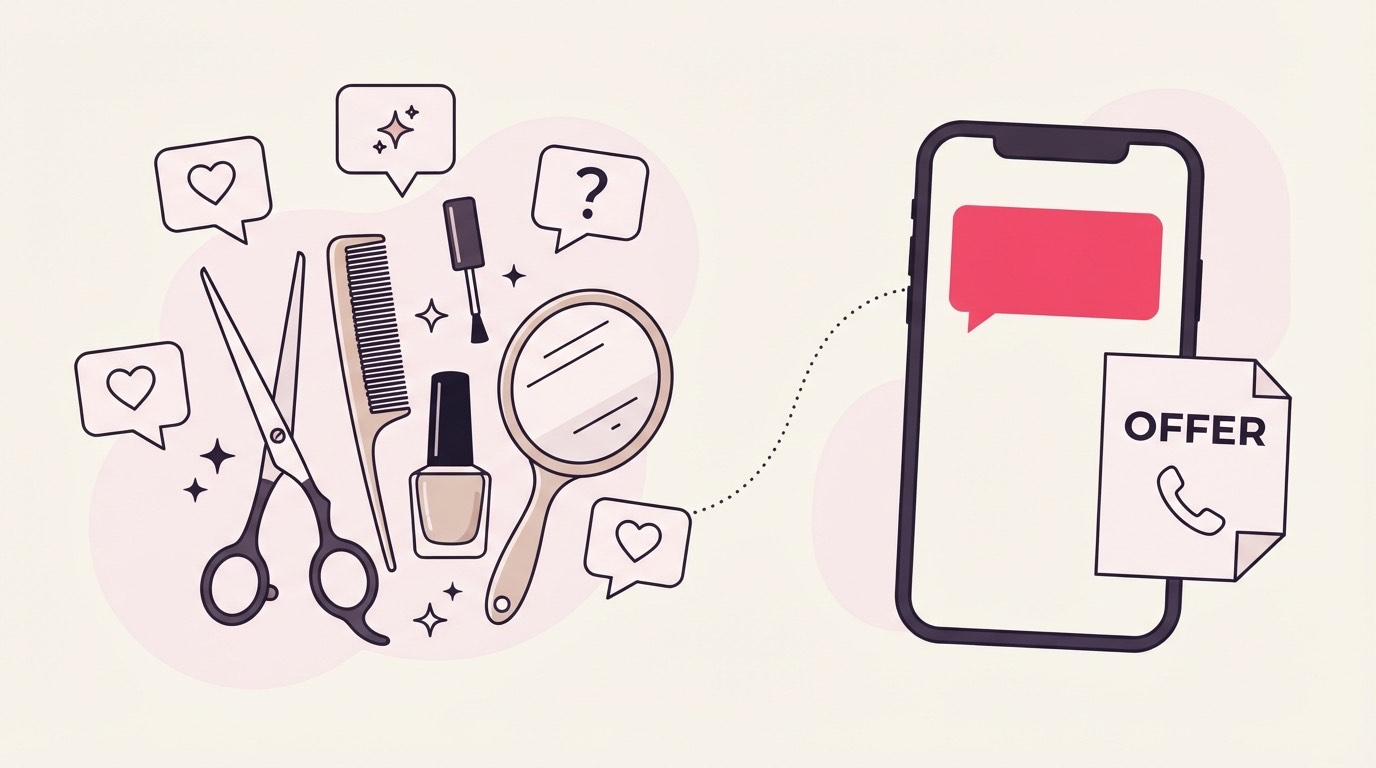
A treatment-post comment answered with an offer

The part that matters for an appointment business is where it leaves you. Nobody books a facial or a fresh set off a tap; they book a time in the chair, and most of the money is the same clients cycling back every few weeks. With the phone gate on, the download page holds the price list until someone leaves a number, so you finish not with a username to hope on but with a local you can text to lock in the first visit.

The word under a before-and-after

PRICES, MENU, OFFER, and BOOK match cleanly under a treatment post. For the many who ask "how much for a full set" without a keyword, smart matching reads the comment and stays quiet unless it's confident the person is genuinely asking.

Caption the post with the word, "comment PRICES for the full treatment menu", and most people reach for it. PRICES, MENU, OFFER, and BOOK each name what lands in the DM and don't show up mid-sentence by accident.

But under a before-and-after, plenty of people skip the keyword and just ask the specific thing they want: "how much for infills", "do you do lip filler", "balayage price?". Those are the comments worth catching, and smart matching is what reads them. It only wakes up after the keyword check finds nothing, weighs whether the comment is a genuine request, and answers only when it's sure, so a real "what would a full set cost me" gets the menu and a throwaway "your prices are so worth it" doesn't. On an account where a wrong DM reaches someone who might walk through your door, that caution is the point, not a limitation.

A price list that ends in a booking link

A campaign hands over exactly one PDF, capped at 25 MB, so the asset is your treatment menu or a new-client offer sheet, with a booking link placed inside the PDF pointing at wherever appointments are actually made.

A campaign hands over exactly one PDF, capped at 25 MB, so the asset is your treatment menu or a new-client offer sheet: your services, what each covers, roughly how long a client sits for, and the offer terms if you're running one. It's read on a phone between other tabs, so design it to scan, not to print.

The link inside it is what makes it more than a rate card. Drop a "book your appointment" link on the menu, pointing at whatever you take bookings through, and the price list ends on the exact next action instead of just closing. The DM's tracked link always resolves to the attached file, so the menu and your booking link ride together, and a dated new-client offer keeps its terms and its link on the same page.

Why the phone number is the point here

The phone gate is a Pro-and-above feature, and for a salon it's the core of the flow: appointments run on calls and texts, clients rebook on a cycle, and a local number lets you confirm a first booking and prompt the next one. Email works on every plan if a number is too much up front.

This is the section that separates a salon from most other businesses using this. A treatment isn't a one-off download decision, it's the front of a standing relationship: a fill every three weeks, a facial every month, a tox appointment every few months. The worth of a captured lead isn't the single sale, it's the client who rebooks, and the thing that gets a local rebooked is a text or a call, not another email in a crowded inbox.

That's why the phone gate does the heavy lifting here. Switched on, the download page holds the price list until someone leaves a number, and a number is what lets you confirm the first appointment and nudge the next one when it's due. It unlocks on Pro; the email gate is on every plan, so a new salon can start by gating on email and move to phone capture once the follow-up is genuinely booking and rebooking by phone. The no-card 30-day Pro trial runs long enough to watch real numbers come in behind the gate before you commit, which for a chair that only earns when it's full is the honest way to test it.

Which chairs a reel actually fills

The number that pays a salon is how many captured contacts turn into a booked chair and then a rebooking, weighed against how fast that treatment cycles back. Numbers export as a CSV from Basic up; on Pro a webhook drops each one into your booking or reminder flow through Zapier or Make.

A comment count tells you a reel travelled; it says nothing about whether a stylist's Tuesday filled up. What you're chasing is the walk from a captured contact to a first appointment and then to a second, so the leads worth weighing are the ones sitting beside a treatment you know rebooks on a tight cadence. A hundred numbers off a balayage post people book once a year is a thinner result than twenty off a lash-fill post that comes back every three weeks, and reading them that way tells you which treatment to put in front of the camera next.

A real number keeps paying past that first booking, which is the other thing worth watching. Texting the confirmation trims the no-show that leaves a room empty and a deposit chased; texting the nudge when a client's cycle comes due refills the slot without spending another reel to do it. Pulling the contacts out is where the plans differ: Basic and up hand you a CSV for whoever runs the book, while Pro fires an outbound webhook that puts each number straight into your reminder flow or booking tool through Zapier or Make. A Pro ESP sync into Mailchimp or Kit tags the lead by campaign on top of that, so a lash client and a facial client sit in different reminder tracks instead of one undifferentiated list.

The mistakes that empty a chair

The salon-specific traps: gating on email when every rebooking you send runs on text, stacking a phone and an email field on a first-curiosity comment, and a loose word like BOOK firing under a team or retail post. Phone capture also only unlocks on Pro, so plan the gate around that.

The trap unique to an appointment business is gating on the field you won't use. If you chase clients back into the chair by text and you collect emails anyway, you've banked the one contact detail that does nothing to refill next month's book. Match the gate to how you actually rebook: for most salons that's the number, with email as the softer fallback when a first-timer isn't ready to hand one over yet.

Don't run both on the same offer, though. A "how much for infills" comment is usually someone half-curious who only commits once the price is in front of them, so a second field there just gives a wavering local another reason to swipe away. One gate, picked on purpose.

The other slip is a keyword too loose for a busy account. BOOK looks perfect until it answers a comment under your team photo, your retail restock, or a hiring post, none of which were about a treatment, and out goes your price list to someone who wasn't asking. Tie the word tightly to the treatment, or scope the campaign to the posts where booking questions actually land, and remember phone capture waits for Pro, so a Starter or Basic salon banks emails until you're ready to move rebooking onto text.

Common questions

Do I need a specific plan to capture a phone number?

Phone capture unlocks on Pro; the email gate is on every plan. Since a salon's follow-up is really texts and calls to rebook regulars, a number is worth more than an email here, but a new salon can gate on email first and switch to phone once the chair is busy enough to justify Pro.

Can it book the appointment or hold a slot for me?

No. It delivers the price list and whatever booking link you put inside it the moment someone comments; the appointment itself is made on your own booking tool, and confirming the day and time is a normal conversation you have by call or text.

What about people who ask "how much" without using my keyword?

That's what smart matching is for. It runs only when no keyword matched, reads the comment for a genuine request, and delivers only above a fixed confidence threshold, so a real pricing question gets the price list while an offhand comment about your prices is left alone.

Is this useful for rebooking regulars, or only new clients?

Both, and the phone number is why. A captured number lets you confirm a first appointment and prompt the next one when a client is due, so a new-client offer post and a "time for your next fill" nudge both run off the same lead list.

Will it message people who didn't ask for anything?

No. A DM only ever goes to someone who commented on a post you deliberately armed, through Instagram's official API. There's no scraping and no messaging people who never interacted with your posts.

Keep reading