Guides
Automate the giveaway information, keep the entry rules clear
A comment reply can explain how to enter. It cannot, by itself, prove that someone has completed every condition or won a prize.
Published by ReplyMagnet · Last updated
Define what the comment actually means
A giveaway comment can request instructions or begin an entry process. Your published rules should explain whether the comment itself counts as an entry.
If the campaign only sends a rules PDF, call it that. ‘Comment DETAILS for the entry instructions’ is clearer than ‘Comment to win’ when another step is required.
Prepare the official terms before creating the automation. Eligibility, closing time, selection method and notification process belong in those terms. This guide describes delivery mechanics, not a legal review of a promotion.
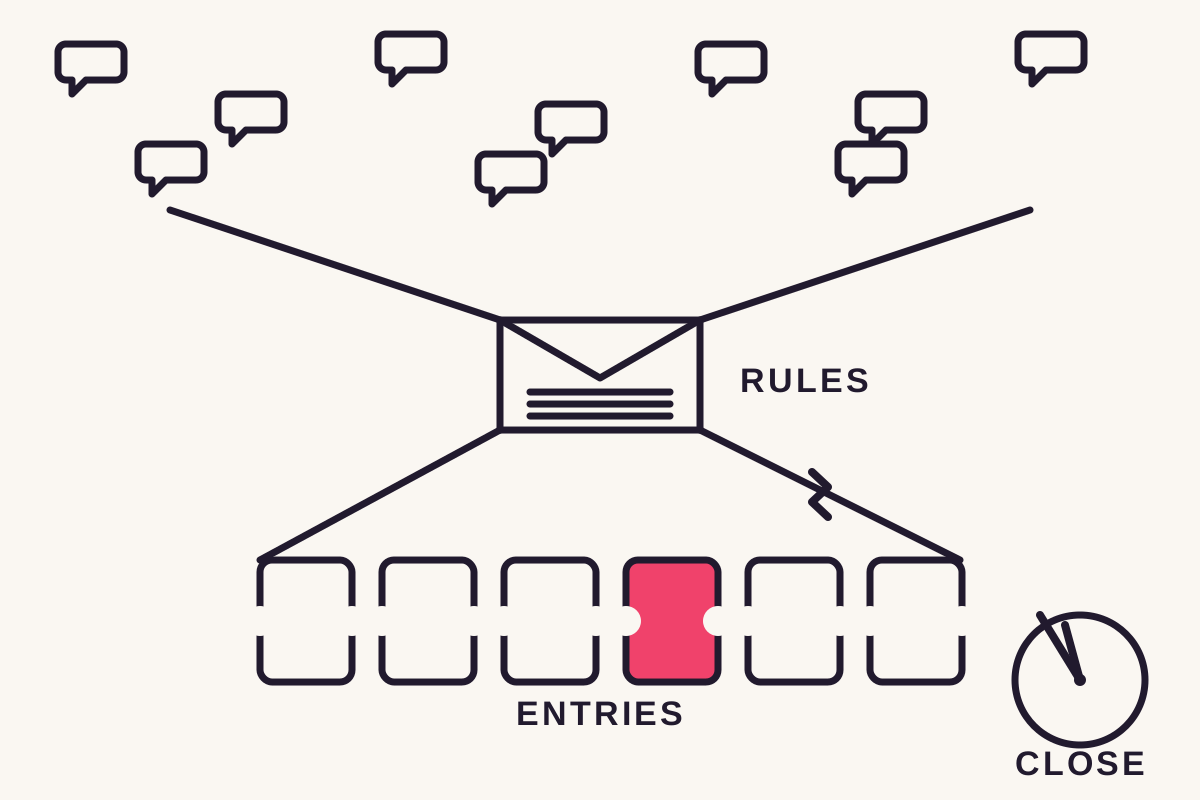
Create the delivery campaign once the published process is settled.
How the automation works, step by step
A giveaway campaign runs the same comment-to-DM mechanic used elsewhere on ReplyMagnet, aimed at the giveaway post: a comment triggers a public reply, then a DM with the details.
There is no separate giveaway feature. A giveaway campaign is the ordinary comment-to-DM automation pipeline pointed at a giveaway post.
- Point a campaign at the giveaway post.
- Choose the trigger: an exact trigger keyword such as ENTER, or any-comment mode so every comment qualifies.
- A public reply posts under the comment so the entrant can see the request was received.
- A DM carries the attached instructions, a terms link, or a confirmation.
- An optional gate can capture an email or phone number before the file arrives.
A campaign can also use smart-trigger matching instead of an exact keyword, catching phrasing variations up to the plan's daily AI-check cap.
Each step logs as its own conversion event, so campaign activity shows how many comments arrived and how many DMs actually sent.
The reply and DM run on the official Instagram Graph API, which Meta reviews through App Review before any app can automate comments or messages. The connected account must be a Business or Creator account; personal profiles cannot receive automated replies through the API.
Send instructions that survive beyond the caption
The delivered resource should identify the giveaway, closing time and next step. Readers should be able to understand it without finding the original post again.
Use a dated document or maintained destination. Include the relevant timezone, especially when the audience spans regions.
A useful DM might say, ‘Here are the entry instructions for the September workshop giveaway. Please read the eligibility and closing time before submitting.’
If an external form owns entries, link to it clearly. ReplyMagnet can deliver the instructions; the form or another system should remain the source of truth for valid entries.
Handle the volume without dropping entrants
Comments beyond a workspace's monthly quota park in the overflow queue instead of failing, and release oldest-first once capacity opens.
A giveaway post can pull far more comments than a normal post, and that burst is where delivery tools most often drop people.
The overflow queue reserves one unit of quota before each reply and DM sends, counting each as an engagement against the monthly total. Once the monthly quota is used, later comments park instead of failing.
Every release re-checks Instagram's messaging window: a comment can be answered up to 7 days after it posted, and once a DM thread opens, replies must land within 24 hours. A send that misses either window expires instead of going out.
ReplyMagnet uses per-engagement pricing: a flat plan price for engagements actually sent, not per-contact pricing billed per person reached. The 30-day trial runs with no card required, long enough to run a giveaway through it before choosing a plan.
- Each reply and DM reserves quota before it sends.
- Comments past the monthly quota park instead of failing.
- Parked entrants release oldest-first as capacity opens.
- Every release re-checks that the comment's messaging window is still open.
- Parked comments are never billed as an extra contact.
Do not count lead rows as entries without checking
ReplyMagnet's lead list stores contacts, while campaign activity records requests. Repeated comments from one person do not necessarily create separate lead rows.
That distinction matters if your rules allow more than one entry or require additional actions. A captured email doesn't prove every condition was satisfied.
Keep these records separate:
- Requests for the instructions.
- Submitted contact details.
- Valid entries under the published rules.
- The selection and notification record.
The lead documentation explains contact records. Don't advertise automatic winner selection unless a separate, verified process actually provides it.
What the tool does, and what it leaves to you
ReplyMagnet replies to entrants, delivers the DM, and can capture a contact detail. It does not select a winner, run the draw, or confirm extra rules like a friend tag.
It helps to state the boundary plainly: automation here can sound like more than a reply and a DM.
- Watches the giveaway post for comments and posts a public reply.
- Sends each entrant a DM with the details or link.
- Optionally captures an email or phone number.
- Logs every step as its own event.
- Does not select a winner or run the draw.
- Does not de-duplicate entries into a ballot or verify extra conditions such as a friend tag.
Instagram giveaways also sit under Meta's own Promotion Guidelines, which set out what a promotion has to include. Following them is the creator's responsibility, not something a comment-to-DM tool handles.
Capturing entrants as leads
An optional email or phone gate turns entrants into a list reachable after the giveaway ends. Email capture is on every plan; phone capture and CSV export are on the $9 plan.
The prize draws the comment, but a kept list outlasts the post. The delivered file works the same way any lead magnet does: something useful traded for a contact.
Turning on the email gate adds a short capture page before the DM's file or link: the entrant enters an address before receiving it. Email capture is included on every plan.
A phone gate works the same way and is included from the $9 plan up, alongside CSV export and ESP sync to Mailchimp or Kit for the lead list.
The $29 plan adds outbound webhooks, so a captured contact can also reach a Zapier or Make workflow directly.
The tracked download link records when the file is opened, on top of the events already logged for the request and the contact.
Ask only for what the giveaway needs, and say plainly what the contact is being collected for. That plain ask is the entrant's opt-in, and it is what makes the contact usable afterward.
- Email capture: every plan.
- Phone capture and CSV export: from the $9 plan.
- ESP sync to Mailchimp or Kit: from the $9 plan.
- Outbound webhooks to Zapier or Make: from the $29 plan.
Plan for the closing time
A queued delivery can arrive too late for a giveaway deadline or expire before sending. Check quota before the promotion and stop inviting entries when the offer closes.
ReplyMagnet's plan guide lists 1,000 monthly engagements free. Forecast requests using your own audience history, then choose enough capacity for the campaign.
After closing, update or pause the relevant offer so the DM doesn't imply that entry is still open. Keep the rules destination available if people need to refer to it.
Test the caption, DM and entry destination from another account before launch. Review the current Instagram promotion guidelines and applicable requirements for your location.
Common questions
Does ReplyMagnet choose a giveaway winner?
No. The workflow delivers information and can capture contact details; it does not select a winner or verify every entry condition. Running the draw and following Meta's Promotion Guidelines stay the creator's responsibility.
Can every comment count as a new lead?
No. Comments, requests, contacts and valid entries are different records; a repeated comment from one person may update an existing contact rather than create a new row.
What happens if hundreds of comments arrive at once?
Comments beyond the monthly quota park in the overflow queue instead of failing, on every plan, and release oldest-first as capacity opens. A queued send is skipped only if its messaging window has closed by then.
Should the DM say entry is confirmed?
Only when the system that owns entry validation has actually confirmed it. Otherwise, describe the message as instructions or a request to complete the next step.
Is a giveaway DM allowed under Instagram's rules?
Yes, when it runs on the official Instagram Graph API that Meta reviews and approves through App Review, which is how ReplyMagnet works. Meta's own Promotion Guidelines for the giveaway itself remain the creator's responsibility.