Use cases

Instagram comment-to-DM for social media managers

An agency doesn't run one account, it runs a roster. Each client posts, each post pulls comments, and every one of those comments is a lead that belongs to that client. Here's how one login answers all of them, keeps the delivery looking like each client's own brand, and drops the leads where that client already works.

Last updated

One login running comment-to-DM for every client

You connect each client's Instagram account to a single workspace and build campaigns per client, so a keyword comment under any connected account gets that account's public reply and DM. One dashboard covers the whole roster, not one tab per client.

The mechanic is the same one every account on this site runs: comment, public reply, DM with the asset. What's different for an agency is the plural. You aren't managing your own comments, you're managing several clients' at once, and each connected account keeps its own campaigns, its own keywords, and its own leads inside the one workspace you log into.

One dashboard running comment-to-DM for several client accounts

Be clear on what "one workspace" means, because it's the honest boundary here. There aren't separate walled sub-accounts per client; there's one workspace with several connected Instagram accounts, and you keep clients apart by which account a campaign runs on and how you name it. The white-label pages and per-client CRM routing further down are what make that single workspace feel client-by-client to the people on the other end.

How many client accounts a plan connects

Instagram accounts per plan are capped at connect: Starter and Basic take 1, Pro takes 3, and Agency takes 10. An agency running more than one client needs Pro at minimum, and a full roster is what Agency's 10 is for.

The account limit is the number that decides an agency's plan, and it's enforced the moment you connect: try to add an account past your plan's cap and the connect is refused with a clear message, not silently. So the plan follows the roster. Two or three clients fit Pro; a growing book of them is what Agency's ten accounts are for.

This is also the honest ceiling to plan around. If you're on Pro with three clients connected and you sign a fourth, that fourth account won't connect until you move up to Agency, so it's worth matching the plan to where the roster is heading rather than getting caught mid-onboarding. Reconnecting an account you already had doesn't count against the cap again; it's new accounts that meet the limit.

Instagram accounts each plan can connect
PlanAccountsWho it fits
Starter1A single account, not an agency setup
Basic1One account, adds CSV export
Pro3A boutique agency with a few clients
Agency10A full client roster on one login

White-label pages that wear the client's brand

On Pro and up, the capture and delivery pages are white-label, so when a client's follower opens the link the page looks like that client's brand rather than a third-party tool. It's page branding, not DM injection: the DM copy is still whatever you write per campaign.

The person commenting under a client's post thinks they're dealing with that client, and the delivery should keep it that way. White-label capture pages, a Pro-and-above feature, let the page a lead lands on carry the client's look instead of an obvious third-party tool, so the hand-off from comment to download feels like it stayed inside the client's own world.

Keep the boundary honest with clients, though. The white-label part is the page, not the DM: there's no automatic client logo dropped into the message. The DM is the copy you write for that campaign, so if a client wants their voice in it, that's a matter of writing it that way per account, not a branding toggle. Sold accurately, page branding plus per-account DM copy is usually enough to make each client's flow read as theirs.

Sending each client's leads to their own CRM

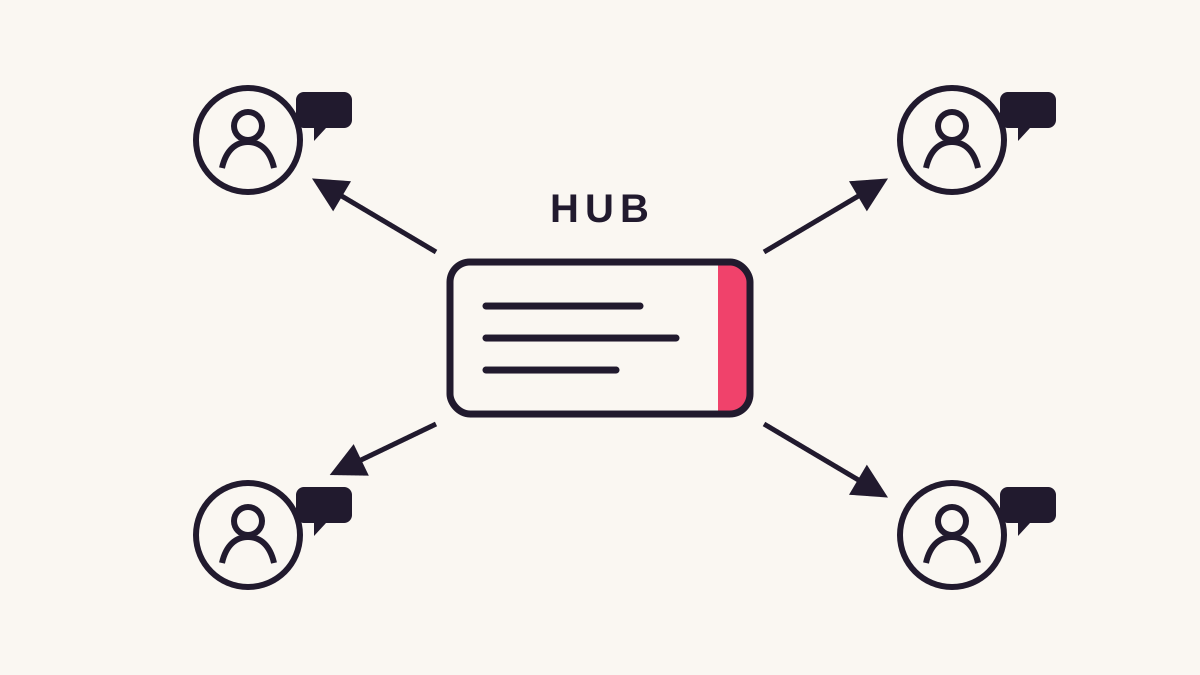
On Pro, an outbound webhook posts every captured lead to a URL you choose, and the payload names the campaign it came from, so if you name each client's campaigns for that client, a Zapier or Make scenario can branch on the campaign and route their leads into their own CRM.

Leads all land in the one workspace, but a client usually wants them in their own system, and that's what the outbound webhook is for. On Pro and up, each captured lead is posted, signed with the X-Magnet-Signature header, to a URL you set. There's no native Salesforce, HubSpot, or Klaviyo connection to assume here; the webhook into Zapier or Make is the path to any of them.

The routing detail is what makes this work across a roster, and it hangs on how you name campaigns. Every lead event names the campaign that produced it, so if each client's campaigns are named for that client, a single Zapier or Make scenario can read the campaign field and fork: this client's leads into their CRM, that client's into theirs. The payload identifies the campaign, not the connected account, so client-by-client routing rides on that naming rather than on any account field. Email capture also syncs directly into Mailchimp or Kit on Pro, tagged by campaign, which covers clients who run their list on one of those. Everything else routes through the webhook, and naming that plainly to a client up front saves a "why isn't this in our CRM yet" conversation later.

What one shared workspace does and doesn't separate

One workspace means one shared monthly engagement allowance across every connected client account, so a busy client draws down the same quota as a quiet one. Leads sit in one list, separated by campaign and account, not in walled per-client spaces.

The shared parts are worth knowing before a client roster leans on them. Engagement quota belongs to the workspace, not the account, so Agency's 100,000 monthly engagements are a pool every connected client draws from together. A client whose reel takes off can use a large share of that month's allowance, and while nothing gets dropped when the pool runs low, the overflow queue holding the excess is shared too, so pacing across clients is your call, not the tool's.

The reporting is shared in the same honest way. There's one Leads list and one activity feed for the workspace, and you tell clients apart by the campaign name and the connected account on each row, not by a separate login per client. For most agencies that's fine, since you're the one reading it and the client sees their own branded pages and their own CRM. If a client specifically wants their own isolated dashboard login, that's the one thing this setup doesn't hand them, and it's better said at the start than discovered later.

Where an agency setup trips

The agency-specific traps: signing a client past your plan's account cap, promising per-client dashboards a single workspace doesn't give, expecting a native CRM sync instead of the webhook, and forgetting one shared quota covers every client at once.

The account cap is the one that bites during growth. Sign a client that pushes you past three connected accounts on Pro and the new connect is refused until you're on Agency, so the plan should track a couple of clients ahead of the roster, not lag behind it. It's a clean limit, just one to see coming.

The expectations you set with clients are the next. A single workspace gives each client branded pages and their own CRM routing, but not a private login into an isolated dashboard, and not a native CRM integration that skips Zapier or Make. Promising either is how a good setup turns into a support thread. Say what it is: one workspace, several connected accounts, per-client branding and routing on top.

The last is the shared allowance. It's easy to price a client as if they get their own quota; they don't. Every connected account draws from the workspace's one monthly pool, so a roster of busy clients on Pro's 25,000 can run tight in a way a single account never would. Watch the 80% email that lands automatically, and if the roster is clearly outgrowing the plan, the no-card 30-day Pro trial is there to size up the account and the quota before onboarding the next client, not after the queue starts filling.

Common questions

How many client accounts can I connect?

Starter and Basic connect 1 Instagram account, Pro connects 3, and Agency connects 10. The cap is enforced at connect, so an account past your plan's limit is refused with a clear message. Reconnecting an account you already had doesn't count against the cap again.

Can each client get their own separate dashboard login?

No. It's one workspace with several connected accounts, and you tell clients apart by campaign name and connected account, not by a private per-client login. Clients still see their own white-label pages and their leads in their own CRM, but the dashboard itself is yours.

Can I send each client's leads into their own CRM?

On Pro, an outbound webhook posts each captured lead to a URL you set, and the payload names the campaign, not the account. Name each client's campaigns for them and a Zapier or Make scenario can branch on that field to route leads into their CRM. Email syncs to Mailchimp or Kit directly; no native CRM connection.

Is it safe to run this on a client's Instagram account?

It runs entirely on Instagram's official API, approved through Meta's App Review, with no scraping, no login sharing, and no session hacks. A DM only goes to someone who commented on a post you armed, so there's nothing about the mechanic that puts a client's account at risk.

Do all my clients share one engagement quota?

Yes. One workspace has one monthly engagement allowance, and every connected client account draws from it, so a busy client and a quiet one share the pool. Over-quota comments park in the shared overflow queue, and you get an automatic email at 80% of the allowance.

Keep reading