For travel creators
Turn ‘where is this?’ into a route someone can follow
The reel shows the view. A good companion resource explains how the stops fit together and which details the traveller still needs to check.
Published by ReplyMagnet · Last updated
Give the route enough context to use
A travel resource should identify the route, sequence and date of the information. Distinguish your suggested itinerary from current opening times, availability or booking confirmation.
For a weekend itinerary, group stops by day and explain the starting point. Include the place names shown in the reel so readers don't have to identify them from screenshots.
Mark time-sensitive details for rechecking with the venue or provider. Don't turn an old visit into a present-day guarantee about access or prices.
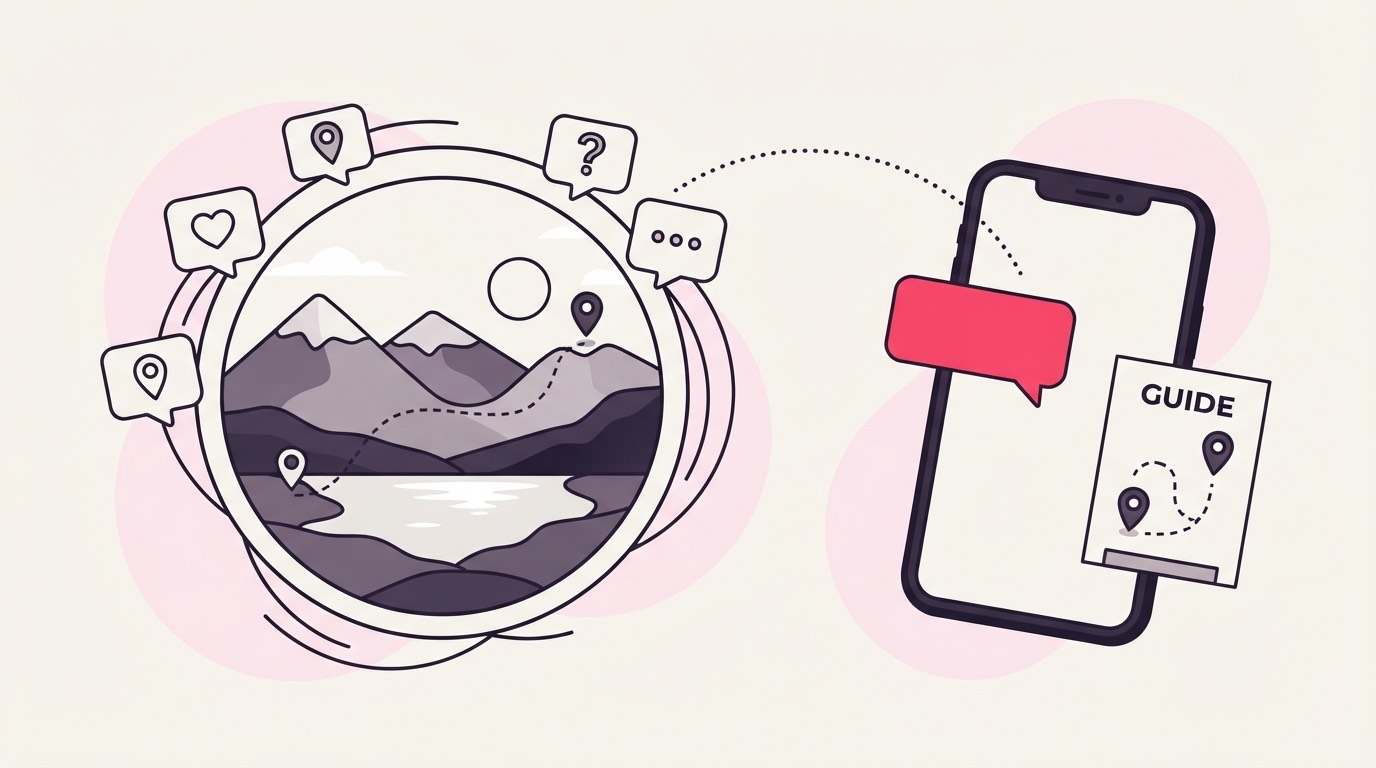
Deliver the route notes with ReplyMagnet after checking the links.
One destination should not trigger another trip's PDF
Use separate campaign resources for different trips and scope them to the relevant posts. A shared ITINERARY keyword needs careful mapping when several destinations are active.
A caption can be precise without being long: ‘Comment ROUTE for the three-day itinerary from this trip.’ The DM should repeat the destination name.
If the resource includes maps, test access from an account without your editing permissions. A private saved map can look public when opened by its owner.
The keyword guide explains how variants point to a single asset.
Let the format serve the trip
A PDF can hold offline-friendly notes, while a hosted resource can make updates easier. ReplyMagnet supports PDFs and link assets on Basic or above.
Choose the format based on how the traveller will use it. Long paragraphs are awkward when someone is standing outside a station trying to find an address.
Include a clear booking destination where relevant, and disclose affiliate relationships where they appear. The provider still owns availability, payment and confirmation.
See the asset guide for the 25 MB PDF limit and link setup.
Maintain the routes that keep attracting requests
Old destination reels can continue sending readers to an itinerary. Review popular resources and remove or qualify details that are no longer reliable.
Keep a last-reviewed date in the document. If a venue closes or an access route changes, update the resource and repeat the delivery test.
If you offer travel emails alongside the download, explain that before capture. Mailchimp or Kit sync starts at $9 monthly in the plan guide.
Measure resource requests separately from bookings. A downloaded itinerary doesn't establish that someone took the trip.
Common questions
Can I send a map link?
Yes, through a link asset on Basic or above, or inside a PDF. Test the map's sharing permissions from another account.
Does the itinerary confirm a booking?
No. The travel provider confirms availability and reservations. The resource offers information and destinations for the reader to use.
Should I put a review date in the file?
Yes, when the details can change. A visible review date helps readers understand the age of route and venue information.