Use cases
Instagram comment-to-DM for fitness coaches
A transformation reel doesn't spike on a schedule. One clip catches, comments arrive faster than you can answer them, and the people asking for your plan are exactly the ones worth putting on a coaching waitlist. Here's how that comment becomes a program download and an email you can follow up on.
Last updated
What the flow looks like for you
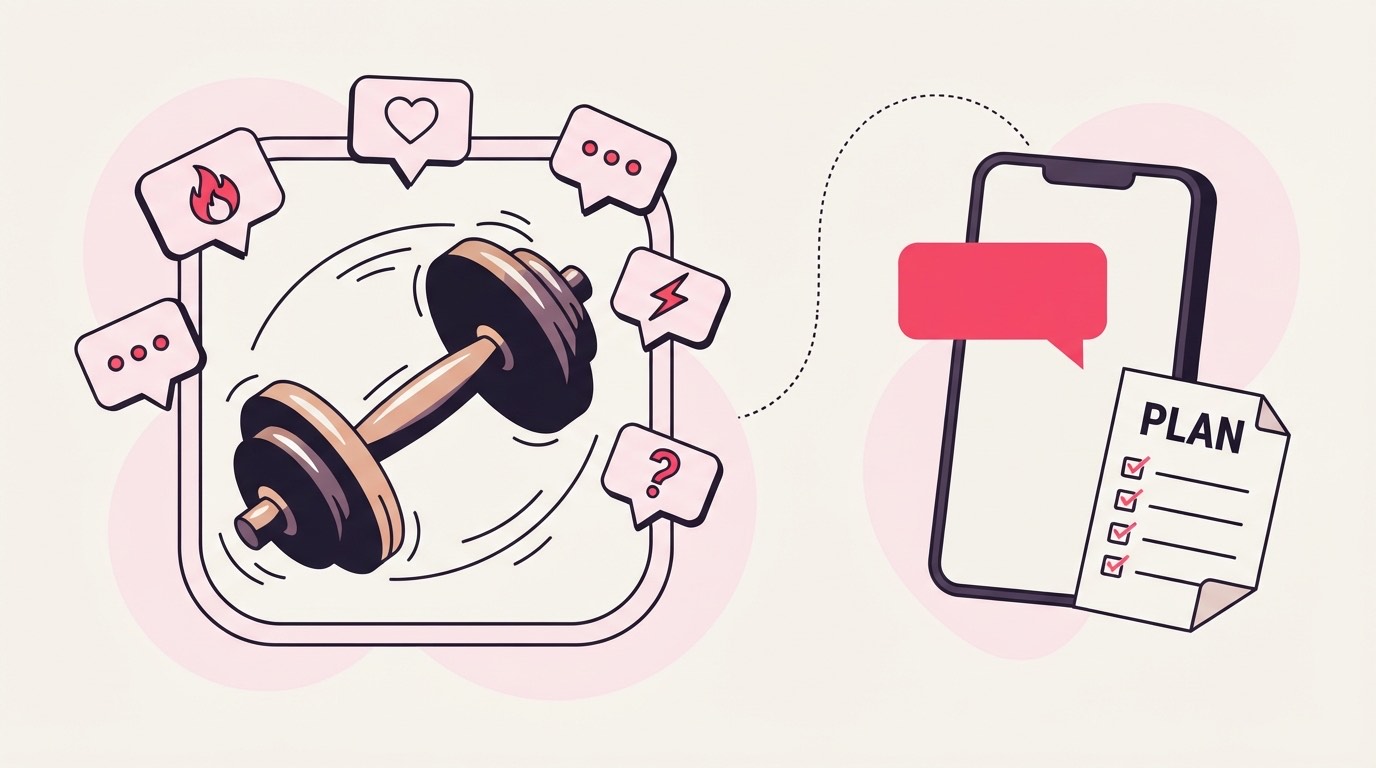
Someone comments your keyword under a workout or transformation reel, gets a public reply so the thread looks answered, and a DM carrying your program or workout-plan PDF, gated behind an email so the request also joins your coaching waitlist.
The reel is doing the convincing. Someone watches the before-and-after or the workout breakdown, comments PLAN or PROGRAM, sees a reply under their comment within seconds, and gets a DM with a link. The link opens a short page that asks for an email before the plan releases, so a comment turns into a waitlist name you can reach when a coaching slot opens.

That loop runs the same at any size, and size is the part you can't predict here. A post about a client's progress can sit quiet for a week and then run hard for a weekend, which is exactly the case the rest of this page is written around.
Keywords that work for this audience
Name the thing you're handing over, PLAN, PROGRAM, ROUTINE, SPLIT, rather than a generic word. A campaign holds up to 25 keyword variants, so the several ways people ask for a workout plan can all trigger the same delivery.
Under a workout reel, people type what they want in different words: PLAN, PROGRAM, ROUTINE, or the name of the split you just demoed. Point all of them at the same campaign as keyword variants, so nobody misses the plan because they reached for a synonym you didn't set.
Avoid a keyword that's also an everyday word. GAINS reads fine on a lifting post, but a whole-word match still fires on "no gains without rest lol", and that's a plan delivered to someone who never asked for it. If your caption demos a specific routine, name the keyword after it: PUSHDAY or LEGDAY says exactly what the DM will contain.
What to offer
The delivered file is one PDF up to 25 MB, so the offer is a written program or workout-plan guide, with any demo videos linked from inside the PDF rather than attached, since a hosted video can't be the file itself.
A campaign delivers exactly one file, and it has to be a PDF today. For a coach that's rarely a real limit: a four-week plan, a workout-split guide, a mobility routine, or a beginner program all fit it cleanly. If the real value is video, form checks or follow-along sessions, a one-page PDF with those links inside does the job, since the person still lands somewhere useful the moment they tap the DM.
Keep the free thing genuinely free and genuinely complete, and keep the paid coaching separate. The PDF is a sample of how you program; the waitlist email is where the paid conversation starts later. A plan that actually works on its own earns more trust than a teaser that stops right before the useful part.
Setting it up
Aim the campaign at the reel that's pulling comments, or account-wide if a few clips share one plan, switch on the email gate so requests stack into the coaching waitlist, attach the program PDF, and send a test comment from a second account before you rely on it.
A launch has a date; a transformation reel doesn't. You can't schedule the moment a client's before-and-after starts moving, so the practical move is to arm the campaign and leave it sitting on the post rather than timing anything to a calendar. If one clip is carrying the comments, scope to that post; if you rotate the same starter plan across a few workout clips, account-wide keeps them all under one keyword.
The email gate earns its place because coaching slots are finite. You can't take everyone who wants the plan into 1:1 or small-group at once, so the address behind each download is a queue for the next opening rather than a number that only looks good. Attach the PDF, write the DM, then prove it from a second account: the connected handle's own comments are ignored on purpose, so testing from your main profile shows nothing happening and reads like a fault when there isn't one.
What to measure
The number that matters is emails on the waitlist, not comments, since each one is a person waiting on a finite coaching slot. Track it against quota when a reel runs, because billing counts replies and DMs actually sent, not views, so a spike costs only what it delivers.
Comment volume flatters you; the waitlist tells the truth. A reel can pull a thousand comments and still leave you with the same handful of people ready to pay for coaching, and that's fine, because the plan was free and most took it at face value. What you're really reading is whether the waitlist is filling faster than you can open slots, which is the cue to raise your rate or open a new cohort, not to post harder.
Getting that list somewhere useful is plan-dependent: Basic and up hand you a CSV, while Pro and Agency drop each address into Mailchimp or Kit tagged by campaign, so the people who wanted the mobility routine don't land in the email meant for the strength-program waitlist.
Keep half an eye on quota while a reel is hot. The owner is emailed automatically at 80% of the monthly allowance, and because you're billed per engagement sent rather than per view, the bill tracks the plans you actually delivered, never the reach that scrolled by.
Where it goes wrong
Three mistakes come up again and again here: a gym word people type casually set as the keyword, testing from the connected account (whose own comments are ignored) and reading the silence as a break, and panicking at a maxed quota mid-spike when over-quota comments park and release on their own.
The keyword trap here is that gym vocabulary is everyday vocabulary. SPLIT, GAINS, and SETS all read as instructions under a workout reel and also turn up in throwaway comments that were never a request, so a whole-word match hands your plan to someone mid-conversation about something else. The PUSHDAY or LEGDAY style of naming sidesteps it, because nobody types those by accident.
Self-testing is the sneaky one. Comment your own keyword from the connected handle and nothing happens, because the pipeline drops the account's own comments on purpose, and it's easy to decide the campaign is broken and start pulling it apart. Use a second account.
The last one bites specifically when a reel runs: hitting the monthly cap does not lose the overflow. Those comments wait in the queue on every plan, unbilled, and clear on their own as the next cycle opens or you upgrade. The only genuine risk is leaving one queued so long that the reply falls outside the window Instagram still allows, so if a clip is plainly outrunning your plan, the no-card 30-day Pro trial is there to raise the ceiling ahead of the spike rather than scrambling once it has already hit.
Common questions
Can the DM send my actual workout videos, or only a PDF?
The delivered file is one PDF, so the videos live as links inside it. A one-page plan PDF with your form-check clips or follow-along sessions linked in still puts everything one tap away, and it keeps the whole thing under the 25 MB file limit.
What happens to comments if a reel takes off and I hit my monthly limit?
Nothing is dropped. Comments past the monthly allowance park in the overflow queue, which every plan has, and release automatically once the next cycle opens or you upgrade, oldest first. You also get an email at 80% of the allowance, and you're only billed per reply or DM actually sent.
How does the coaching waitlist actually get built?
Turn on the email gate for the campaign. The download page then asks for an email and holds the plan until it's filled in, which is what turns a comment into a waitlist name you can reach when a coaching slot opens rather than just a download count.
Do I need a paid plan to start?
No. Starter is free with 1,000 engagements a month and one live campaign, which is enough to run a single reel offer. If a post is likely to spike or you want the email waitlist plus CSV export together, the 30-day Pro trial needs no card.