Compare
A CreatorFlow alternative without top-up packs
CreatorFlow runs Instagram comment-to-DM at a flat monthly price, which makes it the closest tool in this set to ReplyMagnet. The differences that decide the purchase are volume per dollar, what happens past the DM cap, and where the addresses you collect end up.
Published by ReplyMagnet · Last updated
The short answer
CreatorFlow's $15 plan carries 5,000 DMs a month, pauses automations at that cap or sells one-time top-up packs to keep sending, and hands captured addresses over as a CSV export rather than a native email sync. ReplyMagnet charges $9 for 25,000 engagements, syncs contacts to Mailchimp or Kit from that same plan, and queues overflow on every plan instead of selling extra.
Start freeAt a glance
Comment-to-DM starts at $0 on both tools. CreatorFlow unlocks email capture and its follow gate at $15, and AI matching is not found in its published docs; ReplyMagnet includes email capture, AI matching and a verified follow check on its $0 plan and syncs to Mailchimp or Kit from $9.
Three tools, the rows that decide most comparisons. Real monthly prices throughout, never an annual rate relabeled as monthly.
CreatorFlow, ManyChat and ReplyMagnet at a glance
Comment auto-reply from
- CreatorFlow
- $0, 500 DMs on one account
- ManyChat
- $0, capped at 4 automations
- ReplyMagnet
- $0, one live campaign
Billed per
- CreatorFlow
- Flat DM cap per tier, top-up packs for overage
- ManyChat
- Active contact, overage billed automatically
- ReplyMagnet
- Engagement actually sent
Over the monthly limit
- CreatorFlow
- Pauses until the next cycle, or buy a top-up pack
- ManyChat
- No queue; $0.10 per extra contact, $0.05 from $39
- ReplyMagnet
- Queues on every plan, including free
Email capture from
- CreatorFlow
- $15 a month
- ManyChat
- $17 a month
- ReplyMagnet
- $0
Follow check
- CreatorFlow
- From $15; verification method not documented
- ManyChat
- Asks to follow from $17; not documented as verifying
- ReplyMagnet
- API-verified, and optional
AI matching
- CreatorFlow
- Not found in published docs
- ManyChat
- From $39 a month
- ReplyMagnet
- Every plan, 100 to 2,000 checks a day
Mailchimp or Kit sync
- CreatorFlow
- CSV export, not a native sync
- ManyChat
- From $39 a month
- ReplyMagnet
- From $9 a month
Instagram accounts
- CreatorFlow
- 2 from $15, 5 from $30
- ManyChat
- One per ManyChat account
- ReplyMagnet
- 3 from $29, 10 from $79
Try the resource flow for 30 days with 1,000 engagements. No card required.
Start freeStart with the work you repeat every week
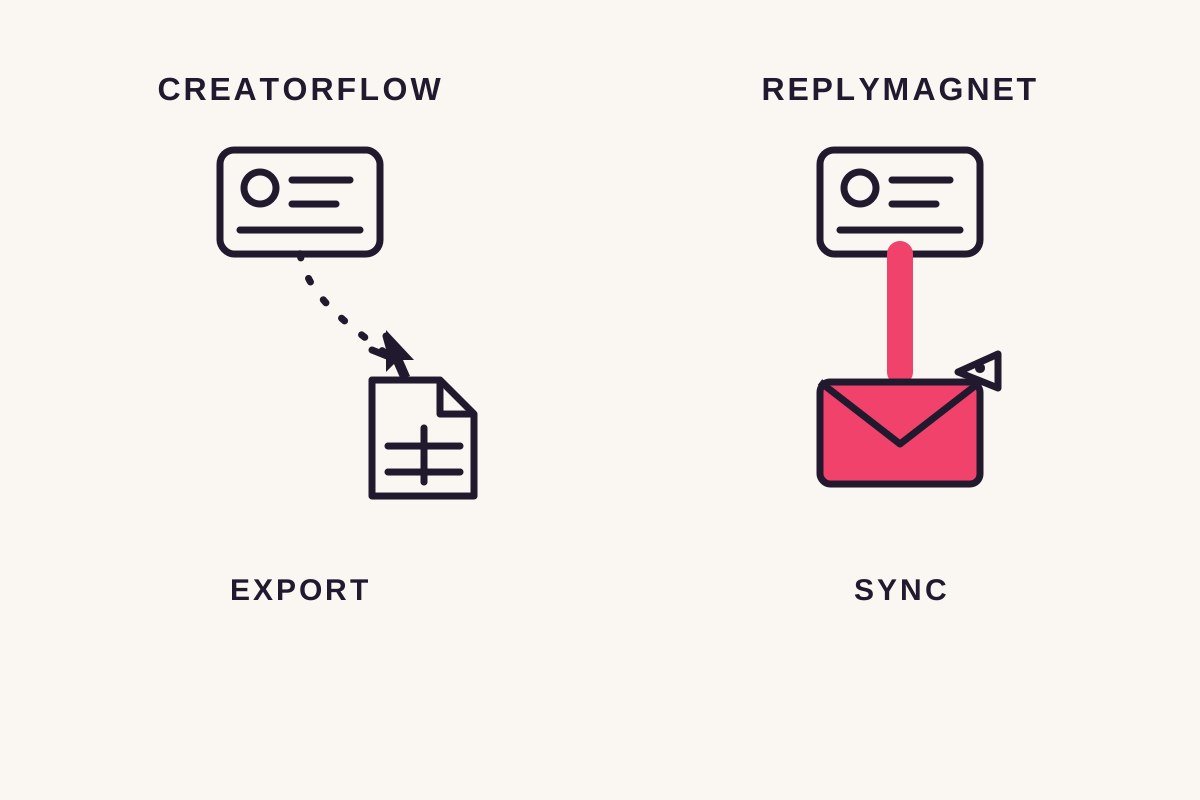
CreatorFlow documents CSV export to Mailchimp, Kit, Beehiiv or Klaviyo rather than a native email-platform sync. ReplyMagnet can send captured contacts to Mailchimp or Kit automatically from $9 a month.
Downloading a file is manageable after a small launch. It becomes less convenient when several posts collect addresses throughout the week. Someone has to export the latest records, import them into the right audience and check the result.
If that is your reason for switching, test the destination first. Submit an address you control and check that it appears in the intended Mailchimp audience or Kit account. Don't judge the connection from a successful DM alone.
What CreatorFlow does well
CreatorFlow runs comment-to-DM, story replies and unlimited triggers free on one account with 500 DMs a month, and from $15 bundles a follow gate, an email gate, link tracking and CSV export. Its pricing is flat per tier, not per contact.
CreatorFlow is Instagram only, flat rate, and openly against per-contact billing. Its free plan is a real one: comment-to-DM with story replies and unlimited triggers on one account and 500 DMs a month, so the core mechanic is on rather than paywalled.
From $15 it adds a second account, lifts the cap to 5,000 DMs and bundles a follow gate, an email gate, link tracking and CSV export. It describes itself as a Meta Tech Provider; we note the self-description as stated. ReplyMagnet's Instagram integration passed Meta App Review in August 2026, which answers a different question.
Pricing, compared properly
CreatorFlow's paid plans are $15 and $30 a month when billed monthly; the $12 figure is the annual rate shown per month. ReplyMagnet's are $9, $29 and $79, billed per engagement with no top-up packs and no overage line.
CreatorFlow's entry paid plan reads $12 a month on an annual commitment and $15 month to month. Compare at $15 unless you are paying for a year up front. The next step up, $30, covers five accounts.
ReplyMagnet meters engagements only: each reply or DM that leaves the account counts once. A person who comments five times is five engagements. There is no top-up pack and no overage line. That is $9 for 25,000 engagements or $29 for 100,000.
Real monthly prices and what they include
Free
- CreatorFlow
- 1 account, 500 DMs, story replies, unlimited triggers
- ReplyMagnet
- 1,000 engagements, 1 live campaign, plus a 30-day trial
From $9
- CreatorFlow
- No plan at this price
- ReplyMagnet
- 25,000 engagements, CSV, phone capture, Mailchimp or Kit sync
From $15
- CreatorFlow
- 2 accounts, 5,000 DMs, follow gate, email gate, link tracking, CSV
- ReplyMagnet
- No plan at this price
From $29
- CreatorFlow
- No plan at this price
- ReplyMagnet
- 100,000 engagements, 3 accounts, webhooks, AI-written replies
From $30
- CreatorFlow
- 5 accounts
- ReplyMagnet
- No plan at this price
From $79
- CreatorFlow
- No plan at this price
- ReplyMagnet
- 400,000 engagements, 10 accounts
Past the cap
- CreatorFlow
- Automations pause; one-time top-up packs sold
- ReplyMagnet
- Queued, released when headroom opens
Top up, pause or wait for more capacity?
CreatorFlow documents a pause at the plan's DM cap, with one-time top-up packs sold on top. ReplyMagnet queues eligible requests when the monthly allowance is exhausted and releases them once headroom opens, on every plan.
CreatorFlow's published answer to a spent DM cap is a pause: automations stop at the limit and resume at the next billing cycle or an upgrade. One-time top-up packs are also sold and stack on top of the plan, so a busy month can cost more than the sticker price.
ReplyMagnet doesn't add an automatic overage bill or sell packs. A comment beyond the monthly allowance queues on every plan, including free, and releases oldest-first once headroom opens. One honest limit: a queued request that outlives Instagram's messaging window expires instead of delivering, so if your resource expires tonight, waiting for next month's reset isn't an adequate plan.
Before launch, check the remaining allowance and decide who will watch it. The queue explanation covers what a billing reset or upgrade changes.
Feature by feature
The two tools overlap on the comment-to-DM mechanic and separate on volume per dollar, on what happens past the cap, on whether the follow check is verified, and on whether native email sync, AI matching and webhooks appear in published docs at all.
Figures pulled from each tool's own published pages on 29 August 2026. Where CreatorFlow's material does not state something, the table says so rather than reading silence as absence.
CreatorFlow against ReplyMagnet, feature by feature
Comment auto-reply from
- CreatorFlow
- $0, 500 DMs on one account
- ReplyMagnet
- $0, one live campaign
Free plan
- CreatorFlow
- 1 account, 500 DMs, story replies, unlimited triggers
- ReplyMagnet
- 1,000 engagements, email capture included
Platforms
- CreatorFlow
- ReplyMagnet
- Instagram or Facebook
Billed per
- CreatorFlow
- Flat monthly DM cap per tier; one-time top-up packs for overage
- ReplyMagnet
- Engagement actually sent
Volume at the entry paid price
- CreatorFlow
- 5,000 DMs at $15
- ReplyMagnet
- $9 for 25,000 engagements
Instagram accounts
- CreatorFlow
- 1 free, 2 from $15, 5 from $30
- ReplyMagnet
- 1 free, 3 from $29, 10 from $79
Overflow
- CreatorFlow
- Pauses at the cap; resumes next cycle or on upgrade; top-up packs sold
- ReplyMagnet
- Queues on every plan, including free
Follow check
- CreatorFlow
- From $15; verification method not documented
- ReplyMagnet
- API-verified through is_user_follow_business, optional
AI matching
- CreatorFlow
- Not found in published docs
- ReplyMagnet
- Every plan, 100 to 2,000 checks a day
Email and phone capture
- CreatorFlow
- Email gate from $15; phone capture not found in published docs
- ReplyMagnet
- Email free; phone from $9
Mailchimp or Kit sync
- CreatorFlow
- CSV export to Mailchimp, Kit, Beehiiv or Klaviyo; not a native sync
- ReplyMagnet
- From $9 a month
Zapier, Make, webhooks
- CreatorFlow
- Not found in published docs
- ReplyMagnet
- From $29 a month
Partner status
- CreatorFlow
- Self-described Meta Tech Provider
- ReplyMagnet
- Meta App Review approved, August 2026
When CreatorFlow is the better fit
If the whole requirement is two Instagram accounts on a small budget, CreatorFlow's $15 plan covers both with a follow gate and email gate bundled, while ReplyMagnet's second account arrives with the $29 plan (3 accounts).
CreatorFlow's clearest win is price on a two-account footprint. At $15 it covers two Instagram accounts with a follow gate, an email gate, link tracking and CSV export. ReplyMagnet's $0 and $9 plans cover one account; the $29 plan (3 accounts) is where a second one arrives.
Choosing it means accepting the shape that comes with the price: a 5,000 DM cap, a pause or a top-up pack past it, and CSV export in place of a native email sync. If none of that touches your campaign, the lower two-account price is a real reason to pick it.
Switching
Your Instagram account and its comments live on Instagram's own API, not inside CreatorFlow, so a new ReplyMagnet campaign with the same keyword on the same post starts answering new comments the moment it launches. Move one resource and one post first, then check the captured contact in your email platform.
Five steps, in this order:
- Keep the original CreatorFlow campaign saved. Connect the Instagram account to ReplyMagnet and start the free plan; no card is needed.
- Recreate the keyword on the same post and upload the resource. Choose the email gate and explain what the person is subscribing to.
- Connect Mailchimp or Kit if you need automatic sync, then submit an address you control and check it lands in the intended audience.
- Test from a separate Instagram account. If a keyword is live in both tools, whichever replies first wins the comment, so stop the old response on that post before launch.
- Launch, then compare completed deliveries and usable lead records before changing the wording.
A download request isn't permission for every future promotion. If the offer includes a newsletter, say so before the email field.
Whatever sits in CreatorFlow today, contacts and conversation history, stays there. Exporting from CreatorFlow is outside what we can speak to, since it is not our product. From launch onward every answered comment is logged as its own lead, visible immediately and downloadable as a CSV from $9 a month.
Start free with one existing offer. The trial previews paid features for 30 days with 1,000 engagements, so check the ongoing plan before relying on a connection.
Sources: CreatorFlow's published information, checked 29 August 2026, and ReplyMagnet's plan guide. Published by ReplyMagnet; no independent performance benchmark is claimed.
Common questions
Is CreatorFlow cheaper than ReplyMagnet?
Not at the entry point: ReplyMagnet's paid plans start at $9 for 25,000 engagements, against CreatorFlow's 5,000 DMs at $15. A second account is where the order flips, since CreatorFlow includes two at $15 and ReplyMagnet three with the $29 plan (3 accounts).
What happens when I run out of DMs?
On CreatorFlow, automations pause at the plan's cap until the next billing cycle or an upgrade, or you buy a one-time top-up pack to keep sending. On ReplyMagnet, a comment beyond the monthly allowance queues instead of charging anything and releases once headroom opens, on every plan including the free one.
Does either verify follows through Instagram's API?
ReplyMagnet does: its follow check reads Instagram's own is_user_follow_business field and stays optional. CreatorFlow offers a follow gate from $15, but its published pages do not document how the follow is verified, so we flag that as undocumented rather than guessing.
Can ReplyMagnet connect to Beehiiv?
ReplyMagnet's named native email connections are Mailchimp and Kit. For another destination, check its import options or build an integration using webhooks from $29 a month.
Does CreatorFlow have a free plan or only a trial?
CreatorFlow has a standing free plan with one account, 500 monthly DMs, story replies and unlimited triggers. Its paid account allowances are separate from that free plan.